
Supercharge your team’s productivity
Get things done faster with efficient work order and asset management, PM automation, and better tools for planning maintenance and labor needs.

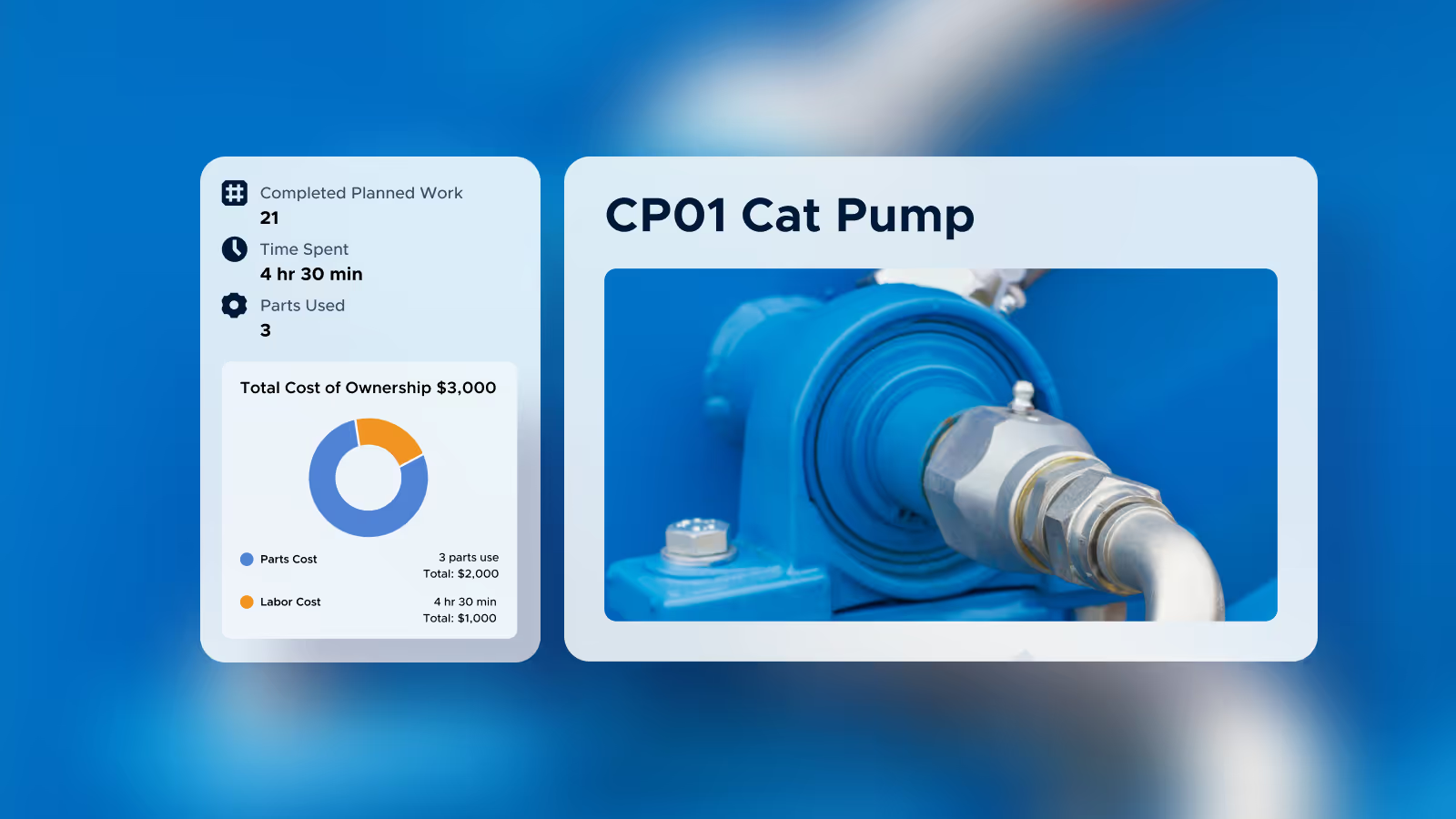




Spare parts inventory
Keep track of parts quantities and locations, link them to assets and vendors, and easily reorder before they run out.



Scan QR codes to instantly access assets and spare parts

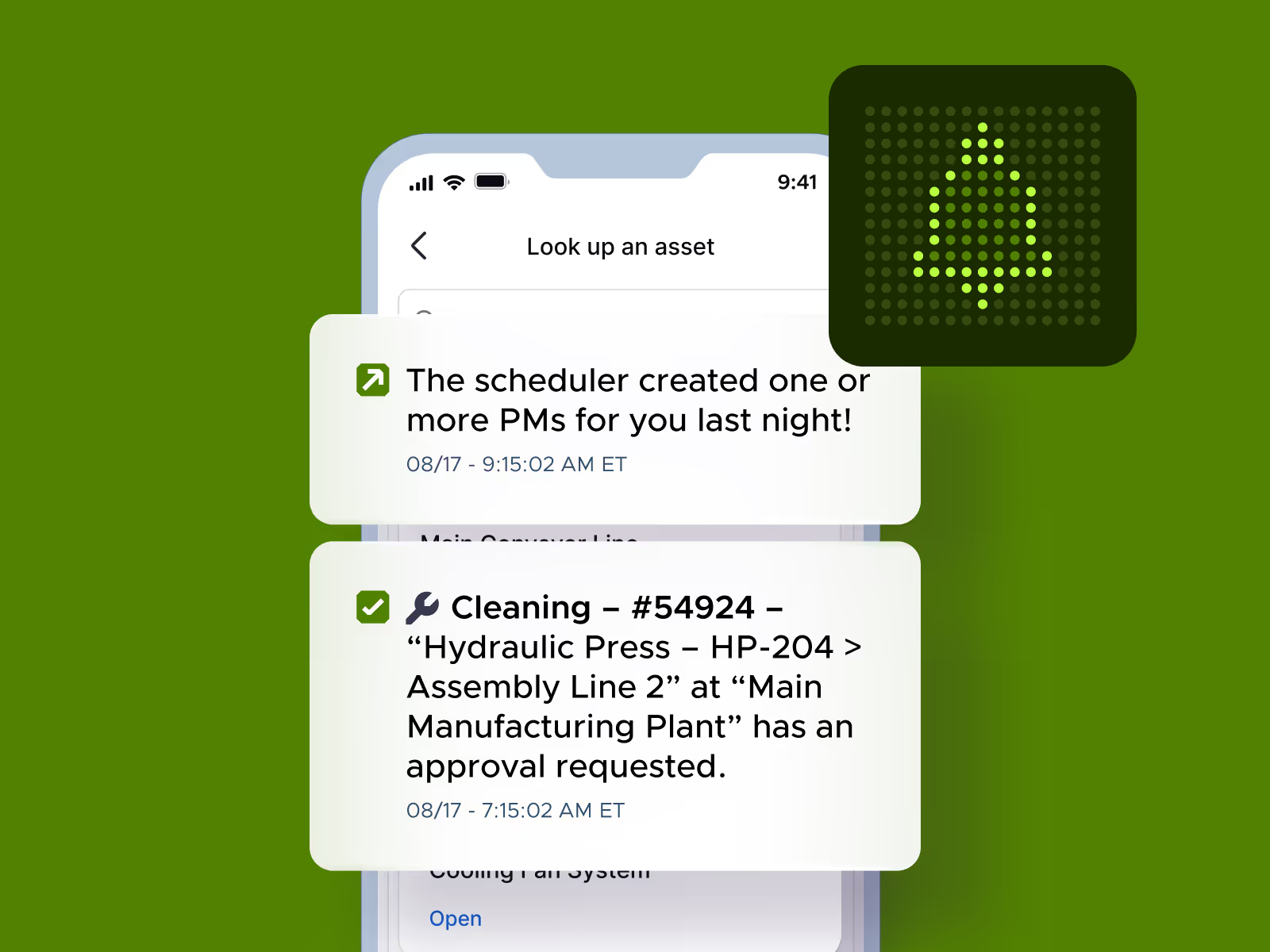
Tag teammates on work orders, assets, and other records

Conditional logic shows technicians only relevant steps
Proven results, measurable impact





Ready to learn more about Limble?
FAQs
Wrench time, unplanned work, downtime, and cost. These are the operational metrics you can measure and use to make the case for further investment in maintenance tools and technology. Beyond those, Limble tracks MTTR, MTBF, PM compliance, planned-versus-unplanned maintenance ratio, and cost by asset (labor, parts, and invoice costs).
Yes, all three. Limble has an Open REST API (available on Premium+ and Enterprise) that connects to BI tools like Power BI, ERPs, IoT platforms, and other business systems. Limble also integrates with Zapier, connecting to thousands of other apps without custom code. On the spreadsheet side, you can export widget data directly as an .xlsx file, choosing either just the filtered/visible data or the full data set, and dashboards can be shared or emailed out as PDF attachments to anyone, including people outside your Limble account.
Limble customers report an average 41% increase in team productivity. Real examples: Allagash Brewing Company cut unplanned work by 40%, and Limble's mobile app has driven 30%+ better team productivity on average for customers using it.
PM compliance is tracked directly against completed work orders in Limble. Every PM is logged with the technician's name and a timestamp the moment it's marked complete, and checklists with required steps and photos mean a task can't be marked done without actually working through what's required. That completion data flows straight into your dashboards, so your PM compliance rate reflects the same records your team used to do the work, not a parallel manual log.
Yes, with permission-based visibility built in. You can share a custom dashboard with individual teammates or entire teams, and a user's view of the data is automatically scoped to what their role and location permissions allow. Dashboard ownership can also be transferred to another user if the person managing it changes. Once shared, dashboards are accessible on both desktop and mobile. Dashboards are also exportable as a pdf to download and share with anyone who needs visibility.