
Get control of your inventory and costs
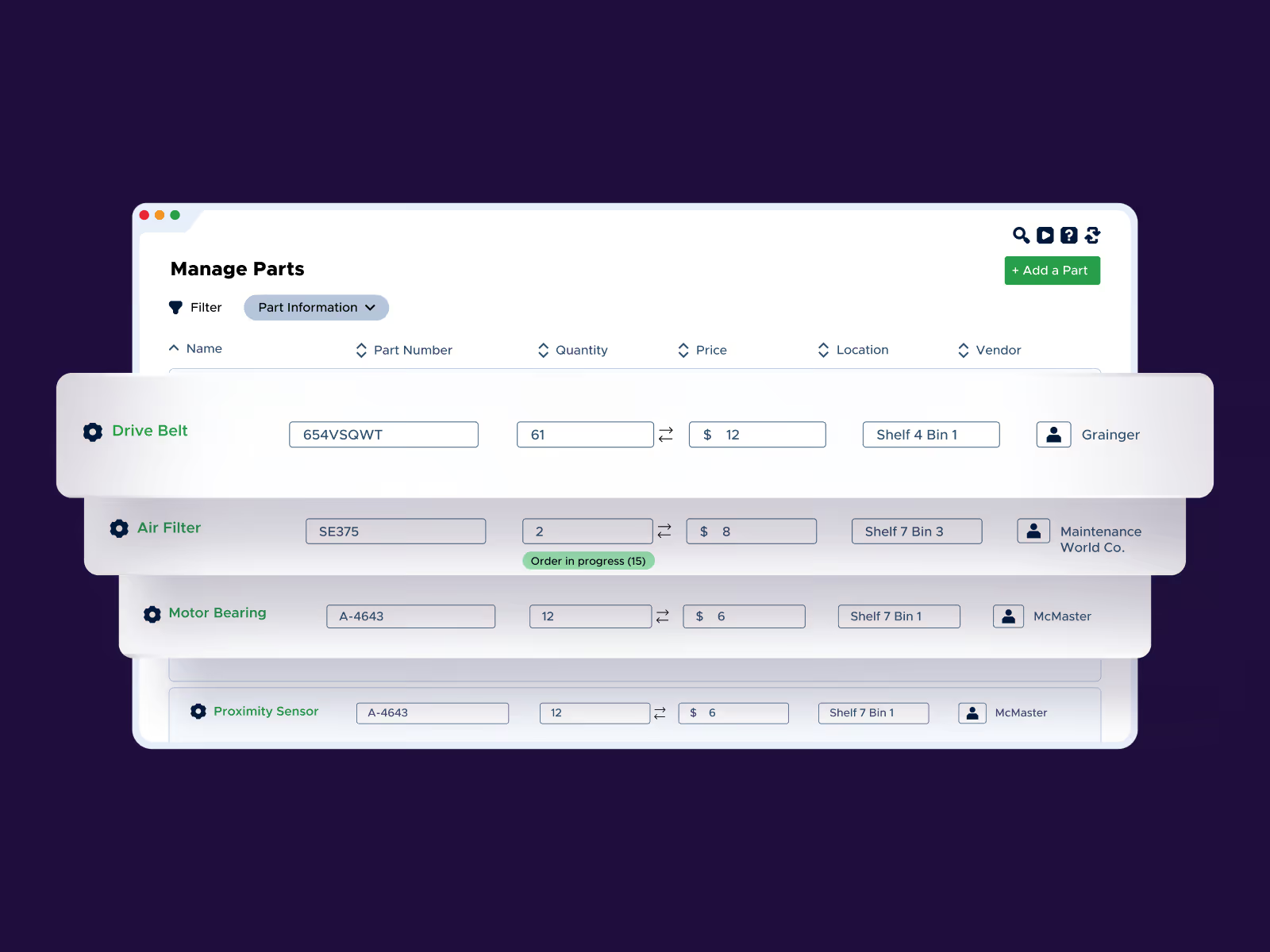
Find any part you need, when you need it. Limble streamlines the management of spare parts inventory across all of your locations and assets, triggering the reorder process before you run out.


Simplify inventory tracking
Connect parts directly to work orders and track inventory in real time as it’s used. Keep your team focused on completing maintenance tasks, not searching shelves.

Minimize equipment downtime
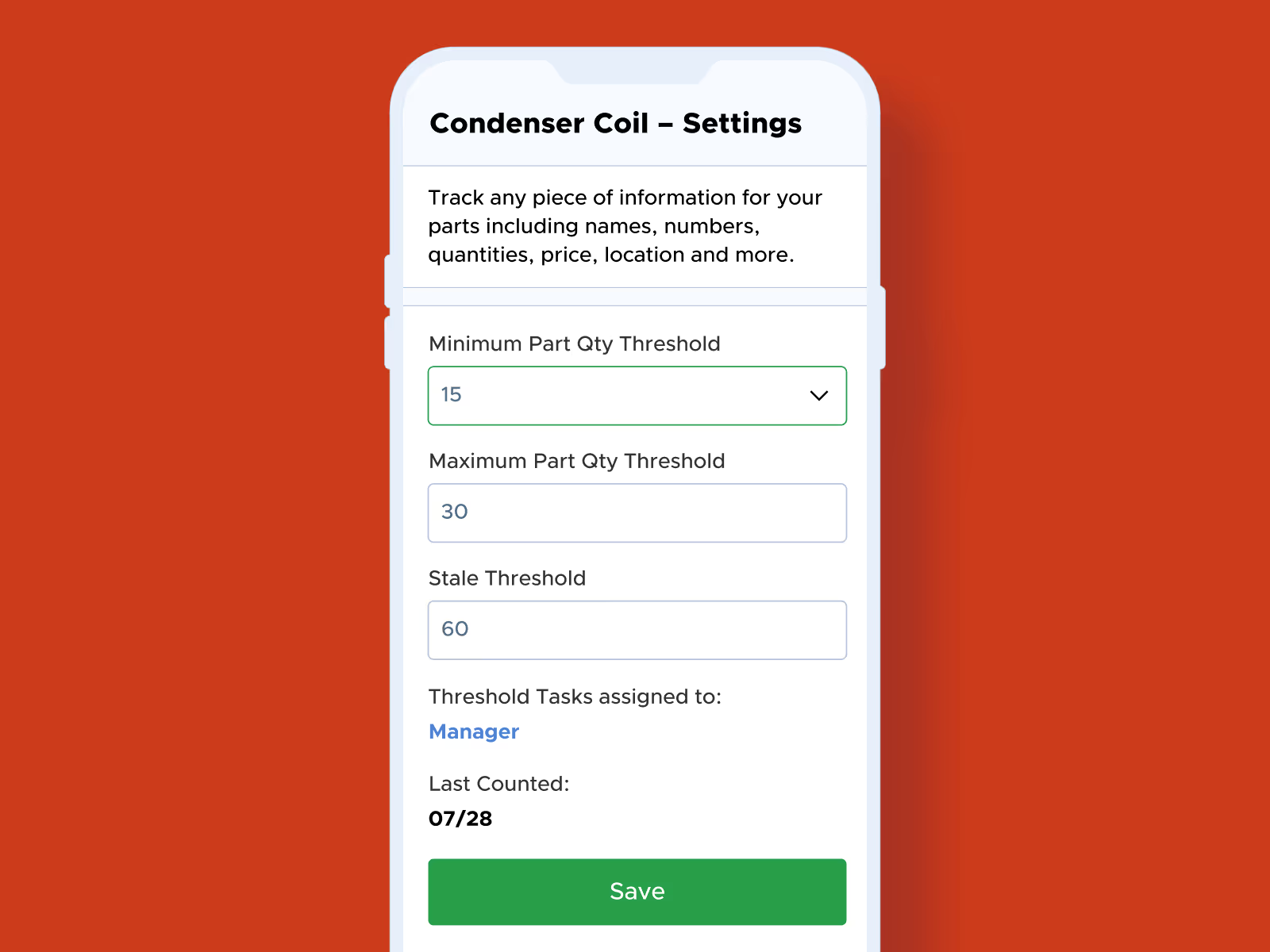
Automatic low-stock alerts ensure critical parts are always ready. Reduce recovery time and keep equipment running smoothly.

Forecast better, spend less
Leverage historical data to forecast inventory needs and bulk purchase in advance. Avoid rush fees, redundant orders, and scale inventory management enterprise-wide.
Seamlessly track and manage spare parts
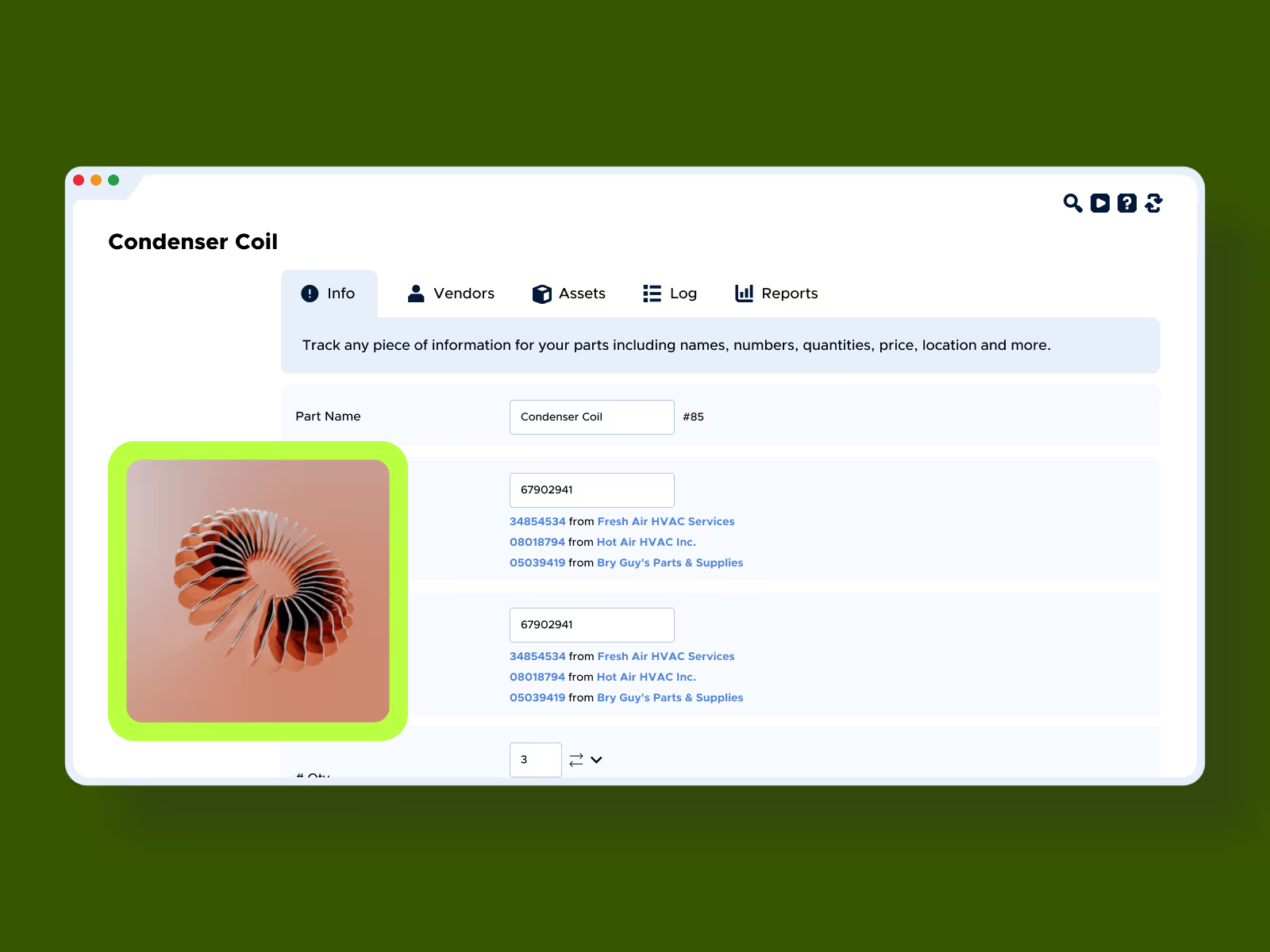
Maintain detailed records of every spare part, including location, unit of measure, associated assets, work orders, and vendors. Limble’s custom fields and flexible organization make it easy to know where each part is and when they’re running low.
Link parts to related assets and vendors
Associate parts with specific equipment, machinery, and vendors. Track usage based on work orders and PMs, and perform inventory cycle counts within Limble.
Streamline parts reordering
Create purchase orders for the parts you need, sending them instantly to the appropriate vendor or syncing to your ERP for fulfillment. Buy parts in bulk and stock them in smaller units, so you always know exactly what’s on hand.
Proven results, measurable impact






Ready to learn more about Limble?
FAQs
We use minimum part quantity thresholds: set a minimum for any part, and once stock drops below that level, Limble automatically creates a reorder task. We also support a stale threshold, which flags parts that haven't been used in a set number of days, so you can spot excess or dead stock.
Yes. Parts connect directly to work orders, and inventory is tracked in real time as parts are used. Parts can be associated with specific assets, and Limble maintains detailed records of every part, including location, unit of measure, associated assets, work orders, and vendors.
Yes. Limble supports scanning barcodes or QR codes to quickly check stock and location, and QR codes can be generated for parts directly in Limble. If you already have existing barcodes, you can add and use them in Limble instead of switching systems.
Yes. We streamline spare parts management across all of your locations and assets, with multi-location support that lets you manage inventory across multiple facilities while keeping stock levels at each one. Every part’s record tracks its location alongside unit of measure, associated assets, work orders, and vendors, and our custom fields and flexible organization make it easy to know where each part is and when it's running low, no matter how many sites you're running. When you're bringing an existing catalog into Limble, we support bulk import of up to 5,000 parts and 50 custom fields per file, so larger multi-site catalogs are split across a few import files instead of entered one at a time.
You can create purchase orders for the parts you need directly in Limble, and send them instantly to the appropriate vendor, or sync to your ERP for fulfillment. On the ERP side specifically, Limble integrates with SAP S/4HANA, Oracle NetSuite, Microsoft Dynamics 365 Business Central, and QuickBooks Online.
Limble provides a sample import file and a bulk import process for parts via CSV or Excel spreadsheet, with guidance to pre-create part categories and custom fields before importing. We recommend a test run with a small data set first to confirm data is importing correctly, since bulk imports can't be undone.