
Support educators with reliable, safe facilities
With tools for managing the grounds, buildings, equipment, and everything in between, keep your school’s maintenance operations at the top of the class.
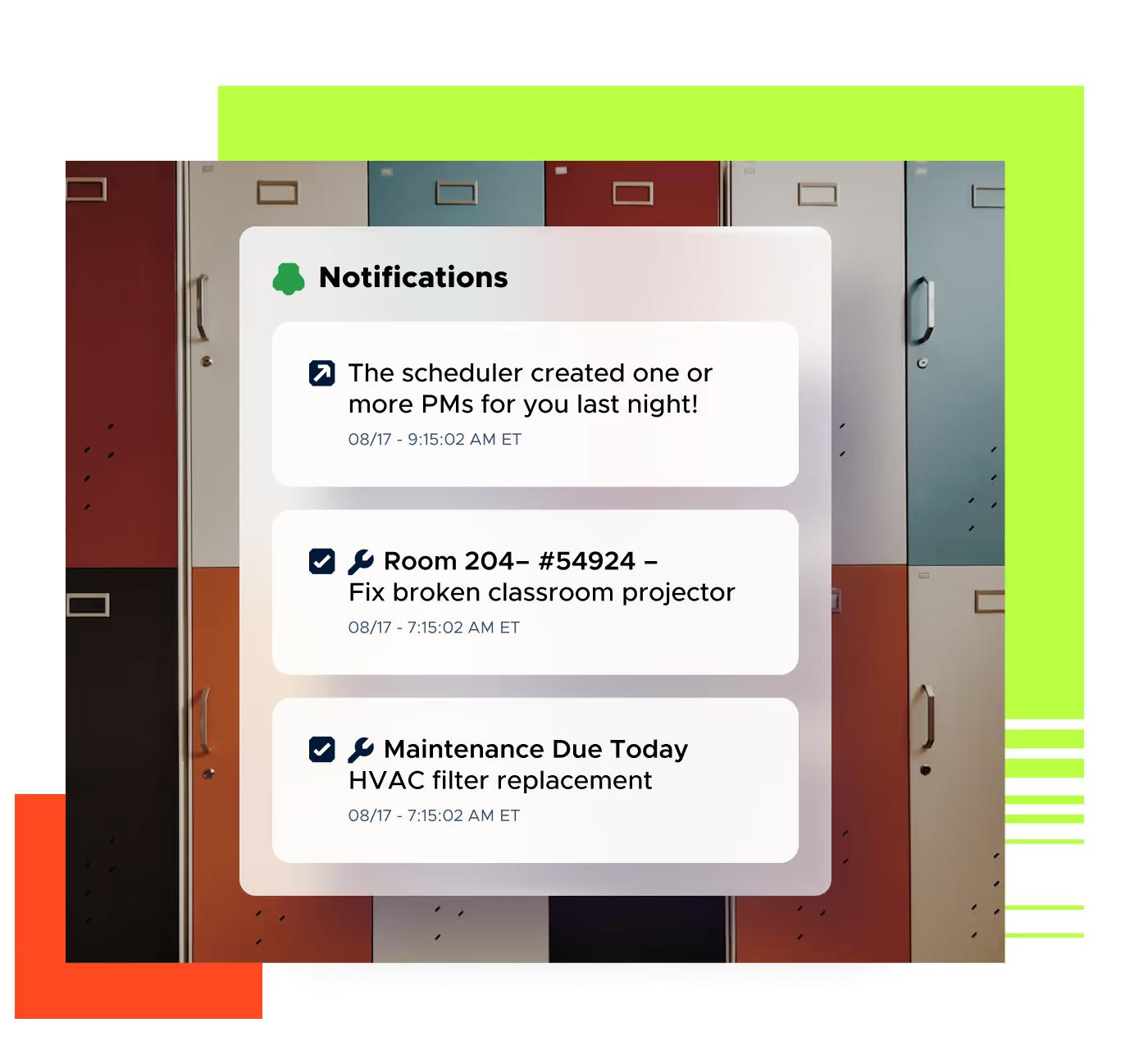







Automate maintenance tasks and reduce manual paperwork.

Identify and fix issues early to keep everyone protected.

Keep buildings fully stocked, functional, and ready for use.
Protect and support your students and faculty
Limble’s versatile, collaborative CMMS minimizes maintenance emergencies and unplanned work, creating a safe and reliable learning environment for everyone.
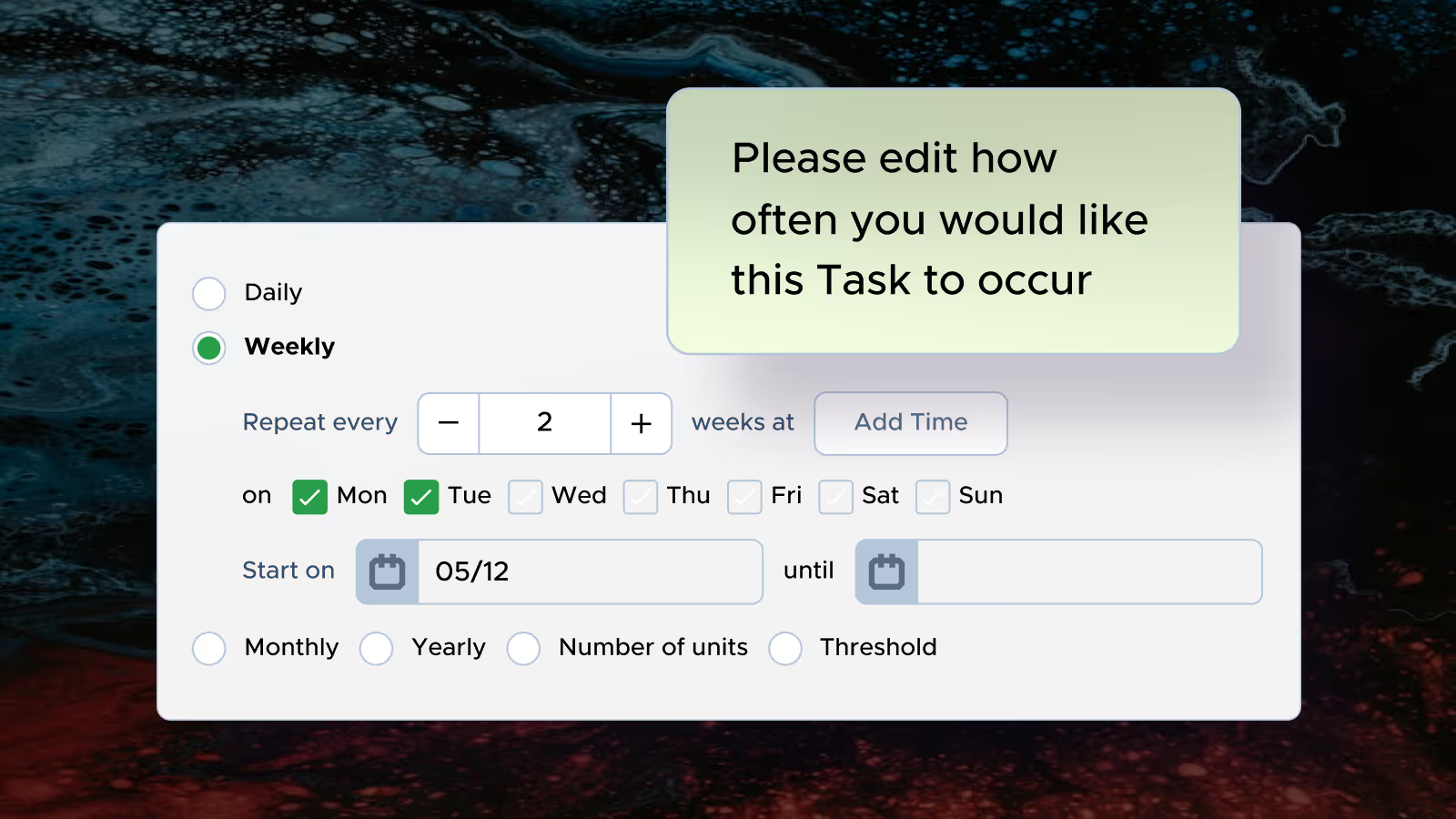
Prevent breakdowns before they happen
Expertly manage preventive maintenance to avoid unplanned downtime that impacts students and educators.
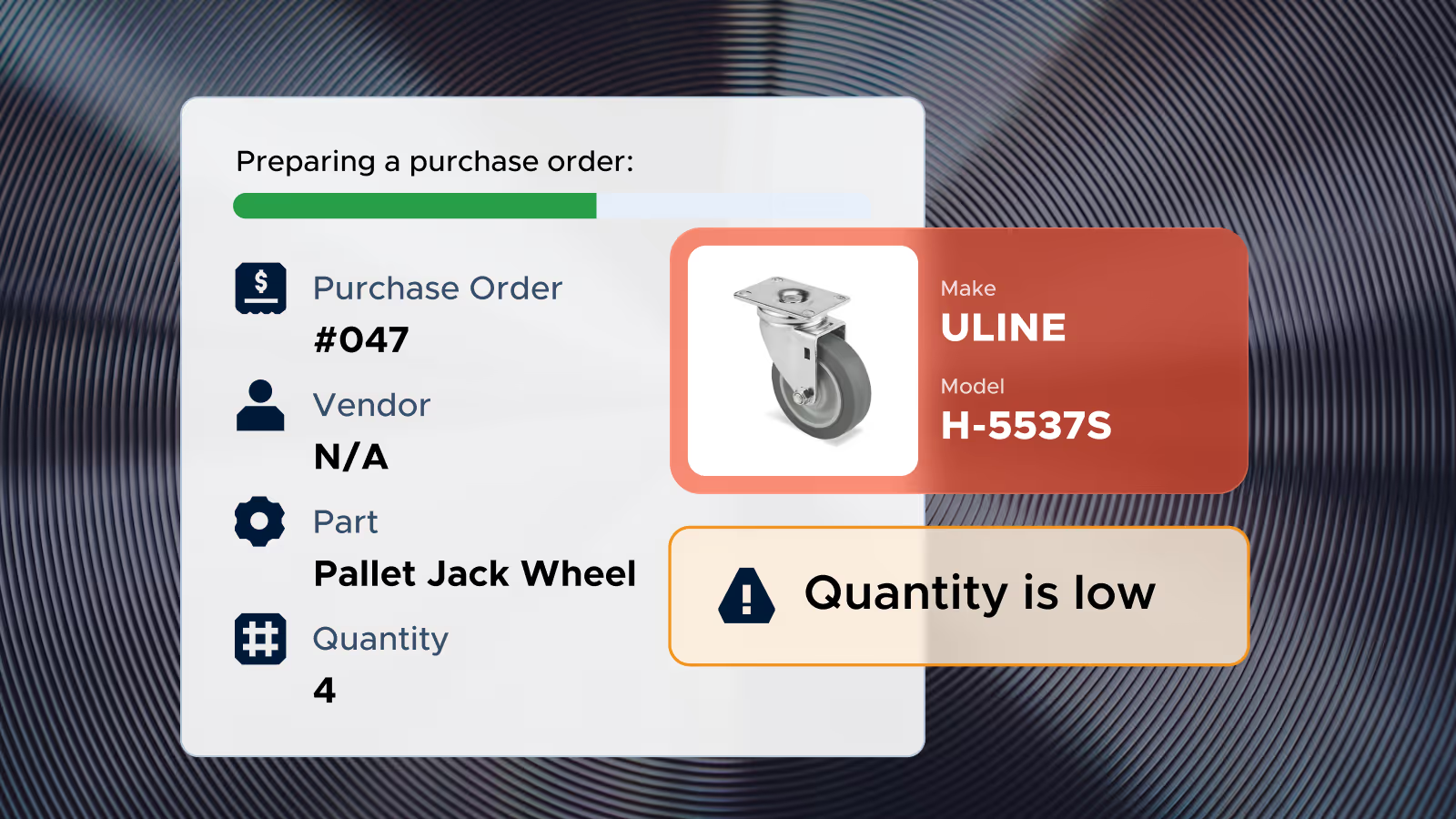
Keep critical spare parts in stock
Pinpoint the exact location of spare parts in seconds and get automated alerts when they run low.
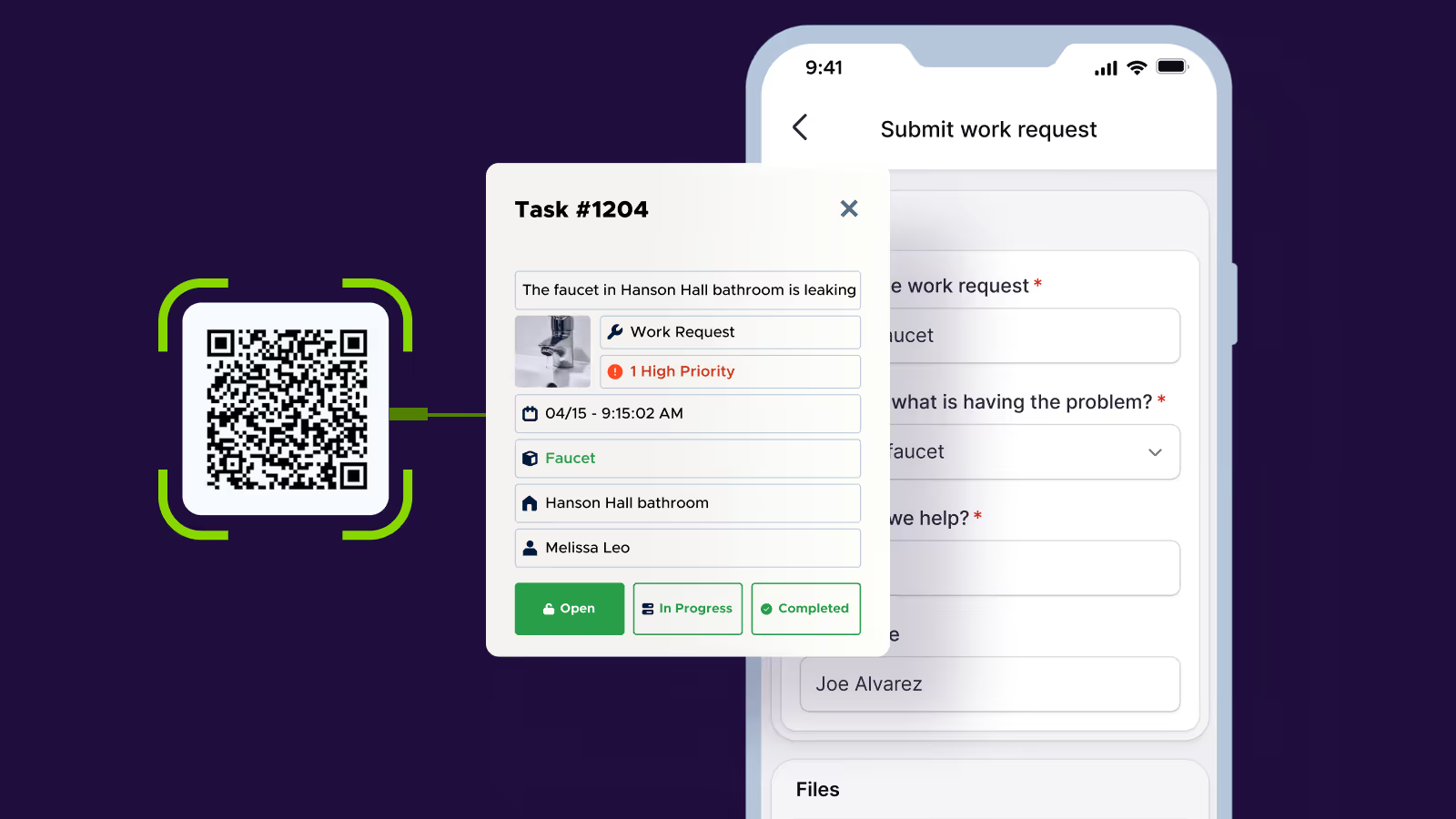
Empower campus staff to submit work requests
Let any employee submit a work request without having to log in. Just share a link to your Limble work request portal and new tasks will automatically be assigned to the appropriate maintenance team member.
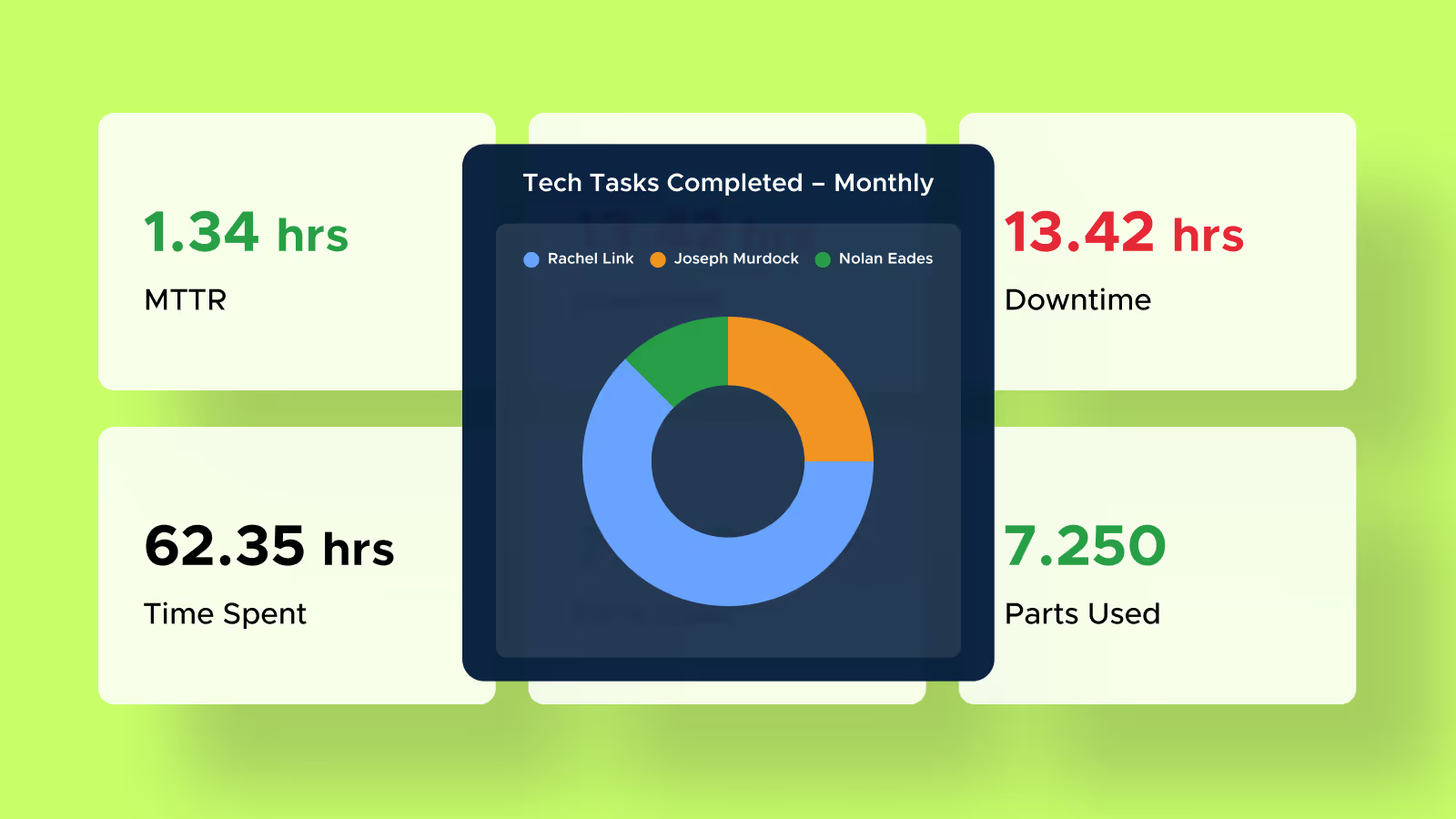
Real-time insights with flexible reports and dashboards
Track all your maintenance and facilities metrics seamlessly and share real-time, data-driven insights with stakeholders. Limble offers full customization, allowing you to configure dashboards to highlight pending work requests, open and historical work orders, and maintenance team performance across multiple campuses.
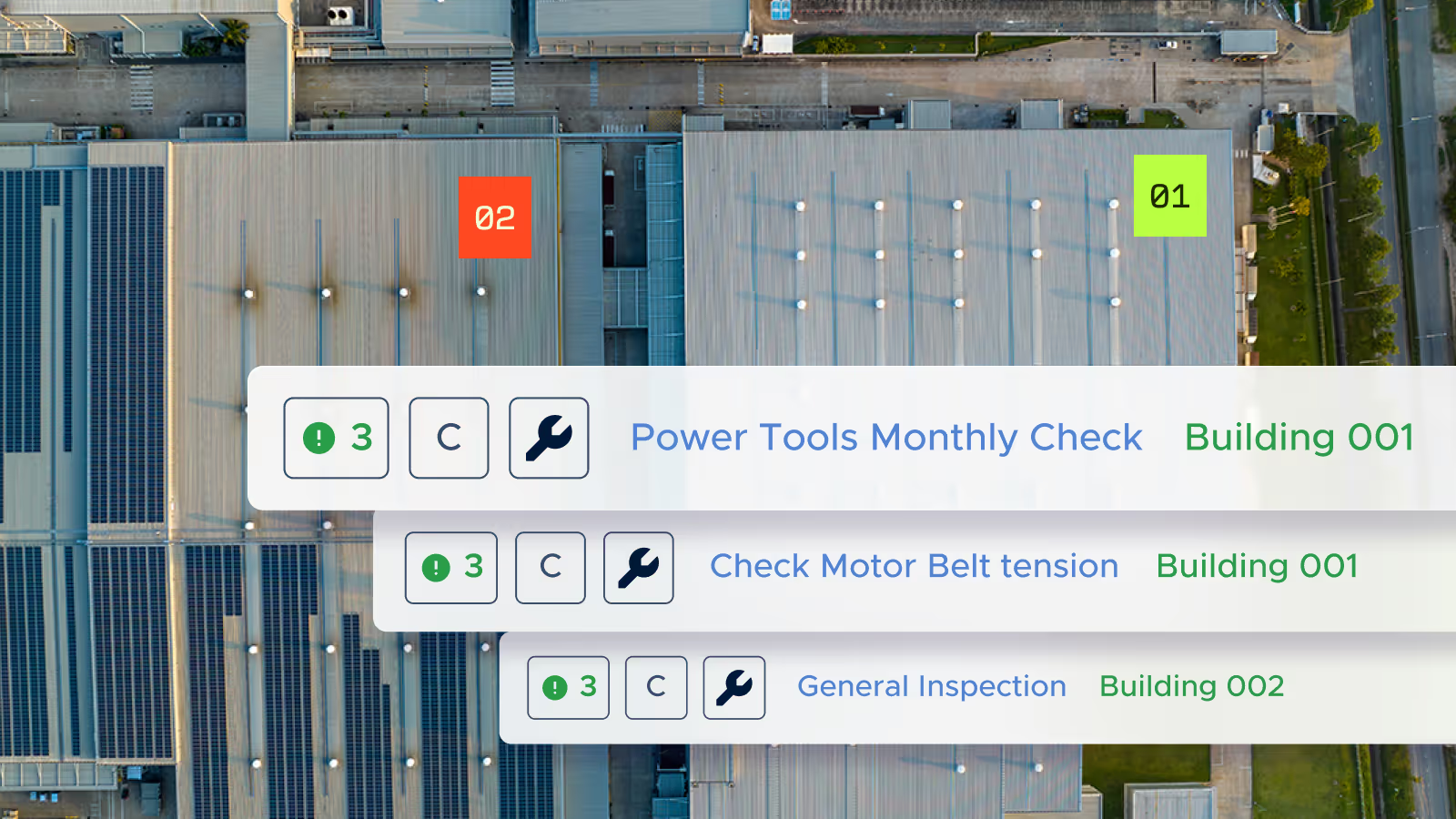
Seamless maintenance management for multi-campus schools
Limble provides the ultimate flexibility and scale for large, multi-property campuses and school districts. Track work orders and PMs across many facilities, assets, and parts and configure Limble templates and workflows to fit your needs.
Proven results, measurable impact


Ready to learn more about Limble?
FAQs
Yes. Any employee can submit a work request without having to log in. Just share a link to your Limble work request portal, and new tasks are automatically assigned to the appropriate maintenance team member.
Limble provides the flexibility and scale for large, multi-property campuses and school districts, letting you track work orders and PMs across many facilities, assets, and parts, and configure templates and workflows to fit your district. Customizable dashboards highlight pending work requests, open and historical work orders, and maintenance team performance across multiple campuses. Hood River County School District used Limble to organize work orders by priority and location across five elementary schools, two middle schools, and one high school spread across 533 square miles, catching up on a maintenance backlog in months rather than the years they expected.
Limble tracks cost, downtime, and maintenance history by asset, which gives your team the underlying data to build a deferred maintenance list and support capital requests. Limble doesn't currently have a purpose-built capital planning or CapEx forecasting module. For districts that need dedicated facility condition scoring or multi-year capital forecasting tools, that data currently comes from combining Limble's reporting with your own analysis. Reach out to our team to talk through your specific deferred maintenance and capital planning needs.
To name a few: Grove City College, Hood River County School District, the University of Pittsburgh, Washington University in St. Louis, and the University of North Alabama.