
The #1 CMMS for Work Order Management
Manage maintenance requests, schedule and monitor work orders, and assign tasks to your team from an easy-to-use mobile or desktop app.
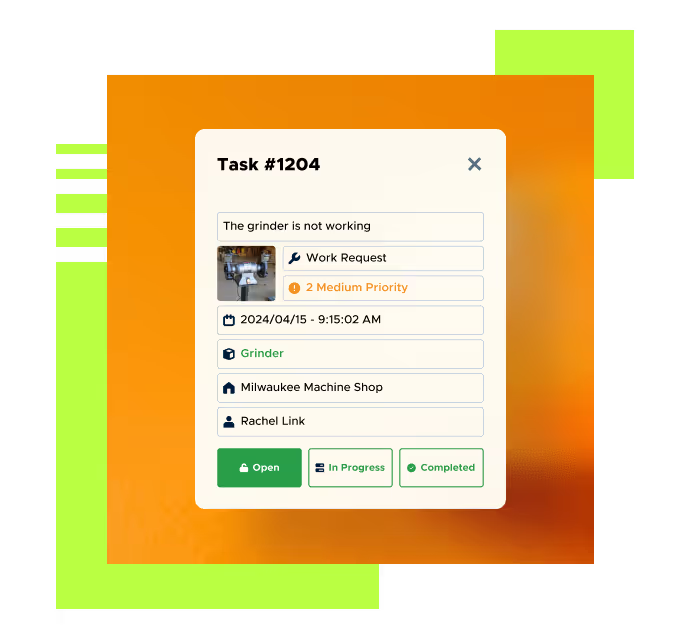

Avoid setbacks with a proactive, preventive maintenance strategy and move fast when emergencies do happen.

Prioritize and complete work orders faster with efficient, collaborative software your team will love using.

Track open and historical work orders for full compliance and complete visibility into tasks at the individual staff level.
Create work orders with a scan or a click
Start a new work order from your dashboard, an asset record, or a vendor, then add details and photos directly from your phone. Start with Limble’s default templates or create your own based on your SOP.

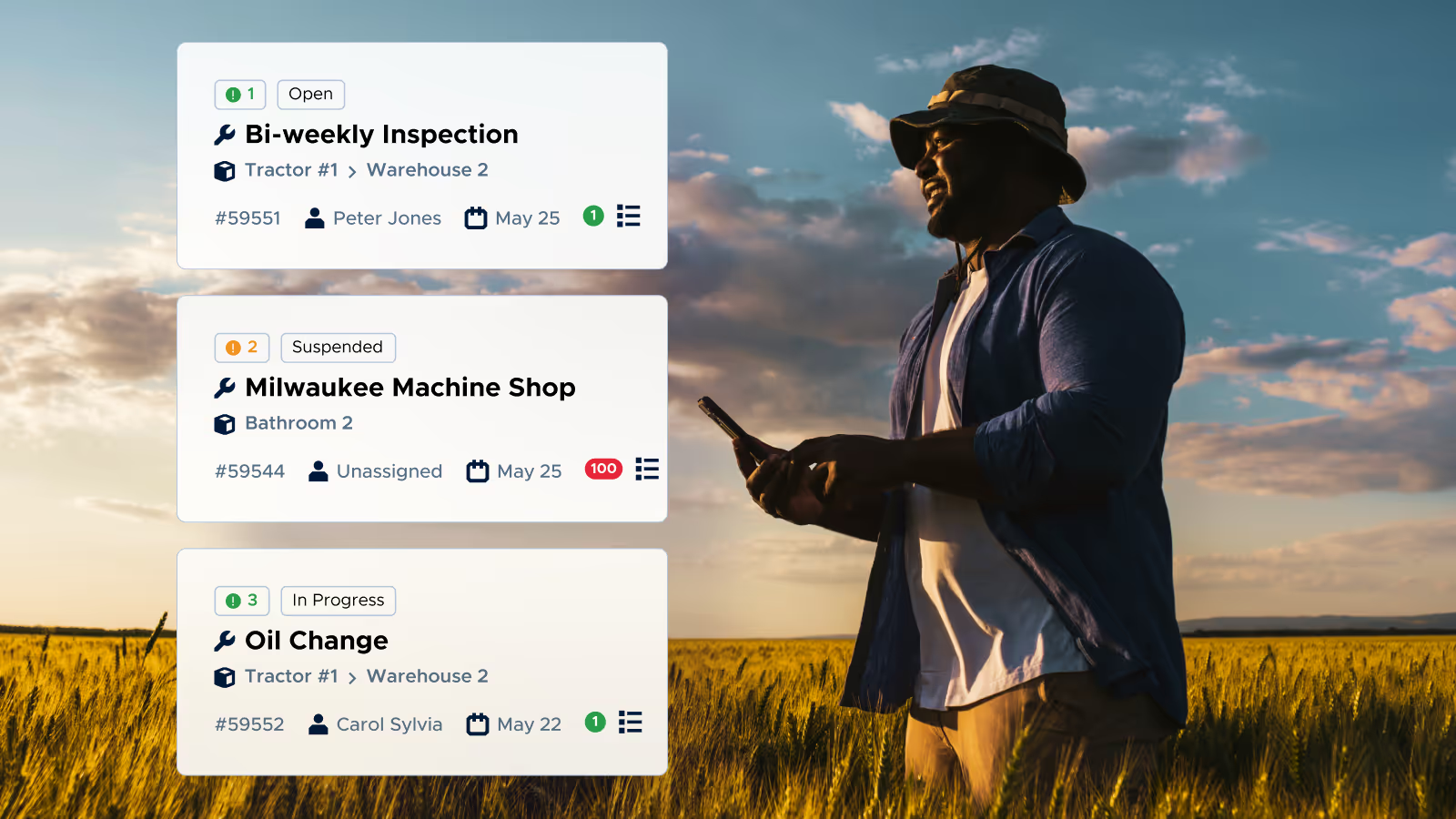
Assign and follow up on open tasks
Automatically assign work orders and connect them to related assets and parts for a more complete picture of your open to-dos. Limble can be configured to notify your staff about pending work orders to make sure they’re done on time.
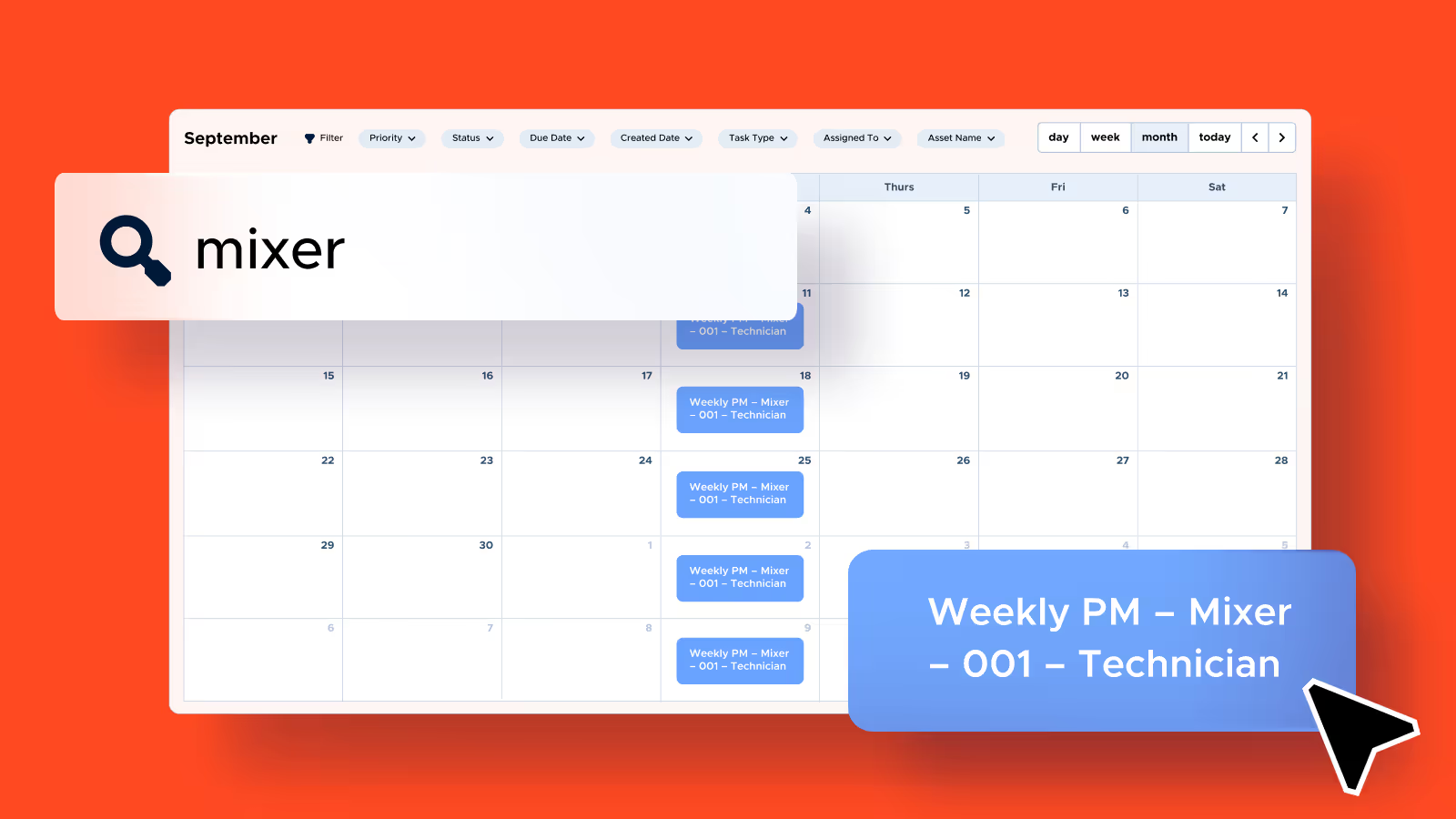
Search, filter, and prioritize work orders company-wide
Sort and prioritize your work orders and work requests by importance, team, location, asset, and more. To change the due date or reassign a task, just drag and drop them in the calendar view.
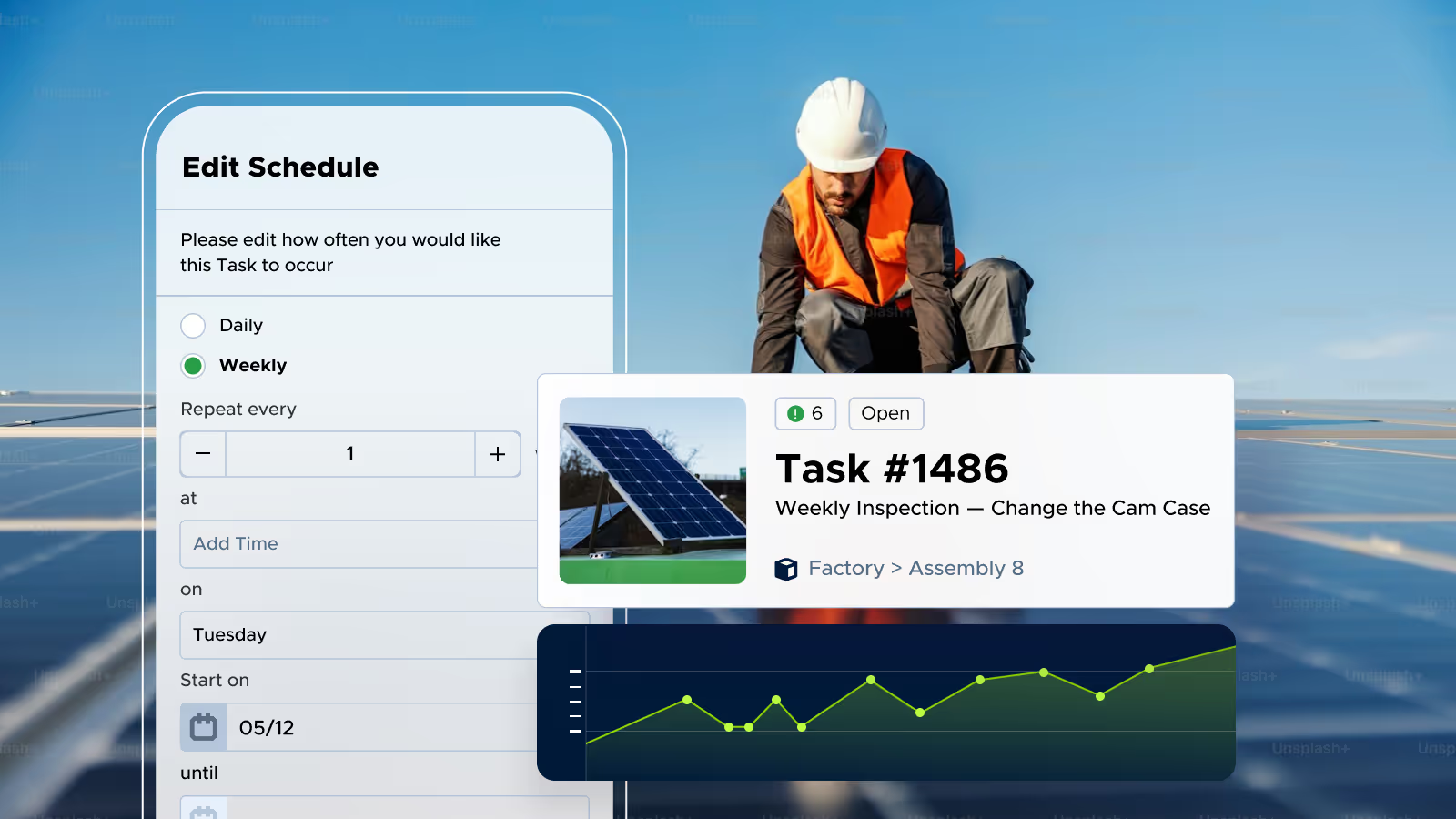
Avoid downtime with repeatable PM tasks
Stay ahead of equipment issues with recurring preventive maintenance tasks that keep critical work on schedule. Automatically assign work orders, connect them to related assets and parts, and notify your team about upcoming work so nothing falls through the cracks.
Proven results, measurable impact

"Everyone picked it up quickly and suddenly all our maintenance requests that had been up on the wall were now on our phones and laptops. It simplified the operation for absolutely everyone here"


Ready to learn more about Limble?
FAQs
Yes. Limble's mobile app lets technicians create a work order from a scan or a click, straight from an asset, a vendor record, or the dashboard, and attach photos and instructions on the spot. Work gets assigned automatically and connected to related assets and parts, so technicians see the full picture before they start the job. They can update status, add comments, and mark tasks complete from the same phone, and everything syncs whether they're online or working offline on the floor.
Anyone in your organization can submit a work request without needing a paid Limble account or login. Requesters use a shareable QR code, a link, or email to reach a work request portal, describe the problem, tag the asset or location, and attach a photo. Limble then turns that into a trackable ticket your team can assign and work from.
Yes. Limble lets you build standard work order and PM templates once and roll them out across every site, so every location follows the same process instead of reinventing its own. A single dashboard gives you visibility across all your facilities while permissions can be scoped per site, per team, or per role, so managers see what's relevant to their location and enterprise leaders see everything at once.
Limble gives you real-time and historical reporting on work orders, including completion rates, time and cost by asset, technician performance, and downtime trends, plus core KPIs like MTTR and MTBF. Dashboards are customizable and you can automate recurring reports so stakeholders get updates without anyone pulling data manually. When you need the data outside Limble, reports export directly to Excel or PDF, or you can share a live dashboard link within Limble itself.
Limble customers report meaningful, measurable gains: on average, teams see a 37% cut in equipment downtime and a 41% boost in team productivity after moving to Limble. Faster response comes from automatic assignment, instant notifications when something breaks, and technicians having everything they need in one place instead of chasing down information first.
Yes. Limble automates PM scheduling based on time, usage, or asset condition, so recurring work orders get created and assigned on their own instead of relying on someone to remember. Each recurring task can carry its own checklist, instructions, and required steps, and Limble notifies the right technician when it's due so nothing slips.