
Work smarter, wherever you are
Complete work orders, find assets and parts, and keep maintenance moving in the field with a fast, technician-first mobile app.

Avoid setbacks with a proactive, preventive maintenance strategy and move fast when emergencies do happen.

Prioritize and complete work orders faster with efficient, collaborative software your team will love using.

Track open and historical work orders for full compliance and complete visibility into tasks at the individual staff level.
The mobile CMMS app for on-the-go teams
Work smarter with a mobile maintenance app that keeps your team connected and productive, wherever they are.
Automate workflows and updates with streamlined work order requests
Stay organized with real-time access and communication
Boost productivity with offline mode, mapping, and QR code scanning
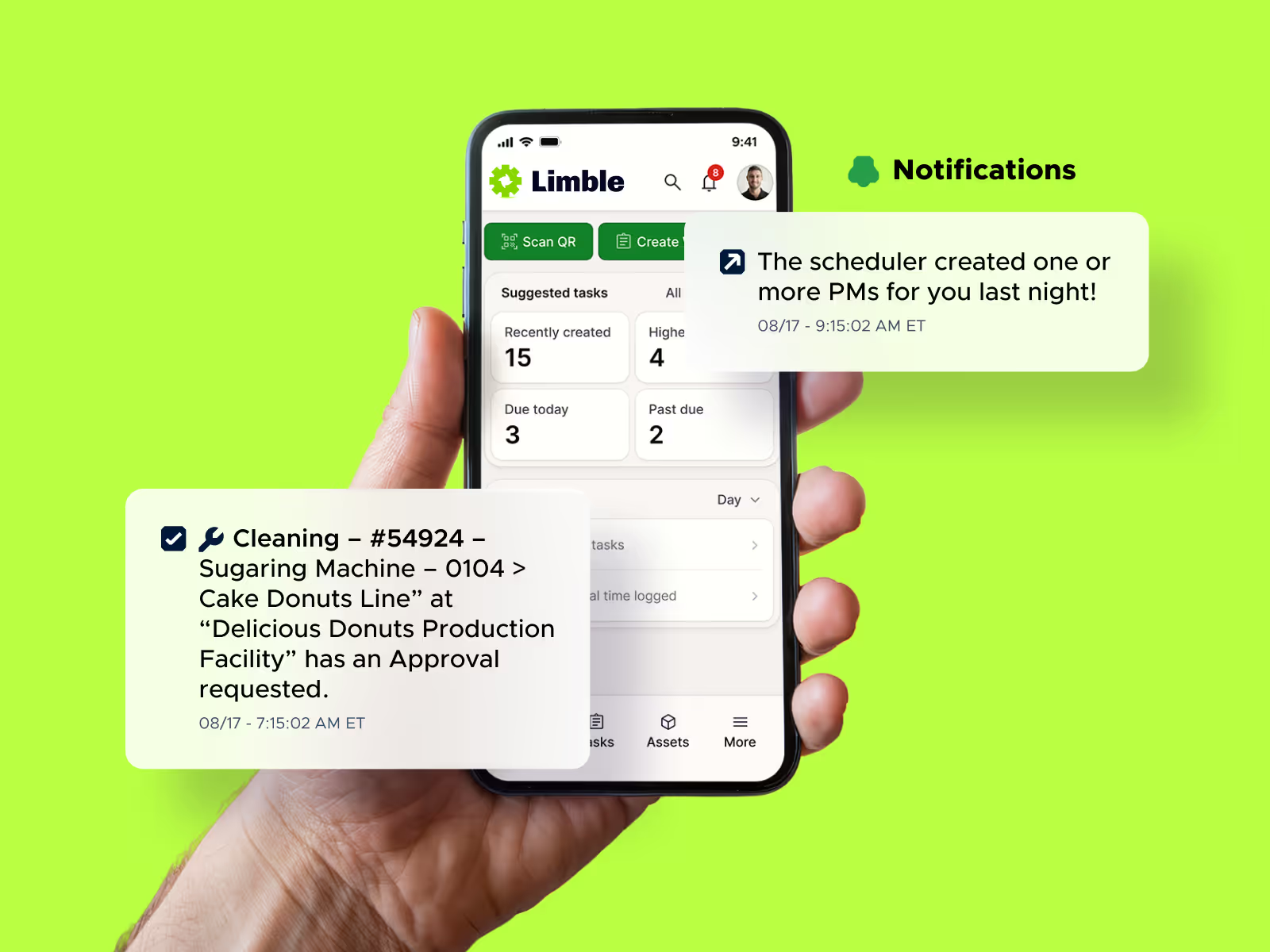
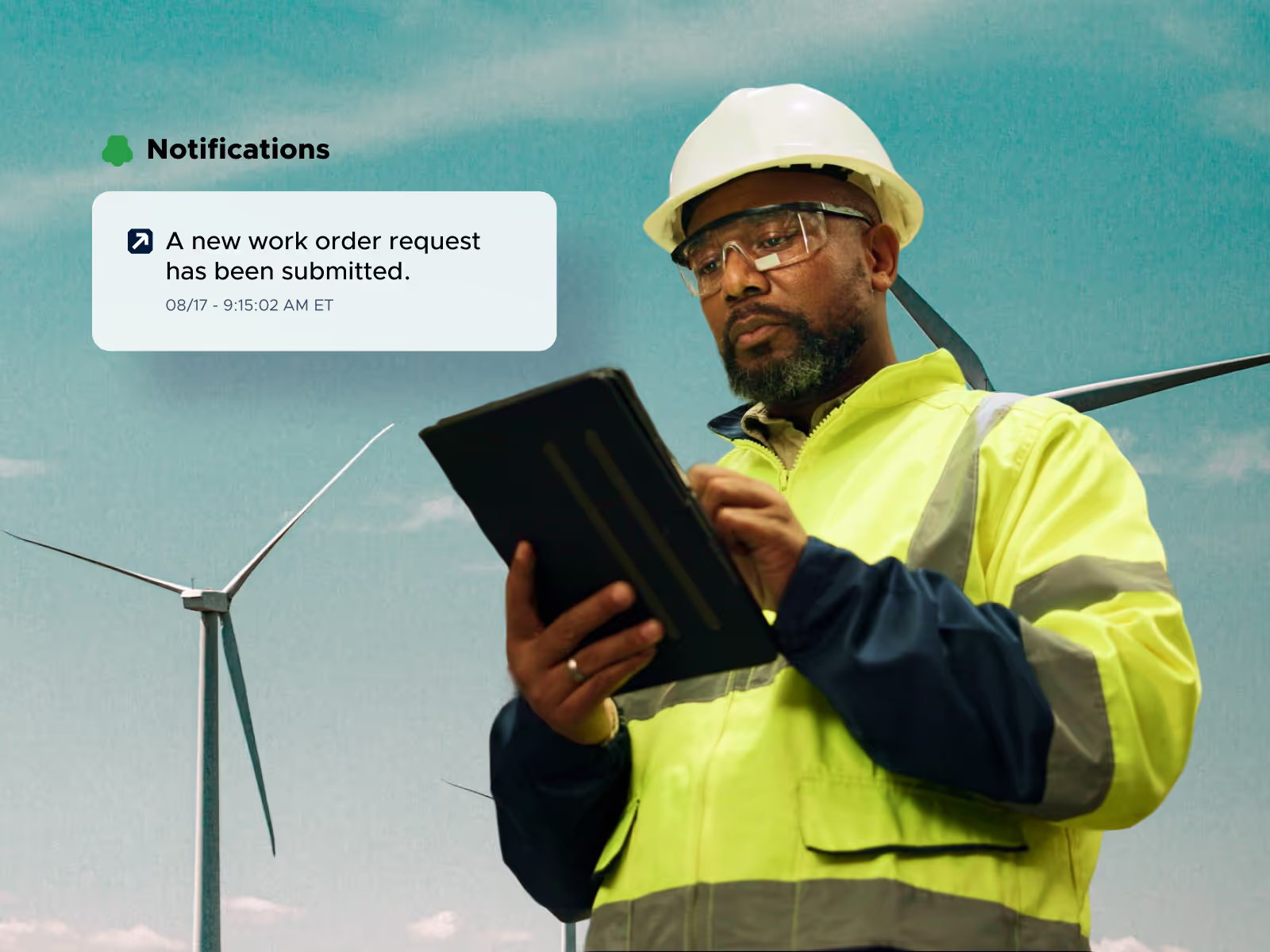
Instant work order request system
No more lost tickets, daily interruptions, or duplicated work. Anyone can scan a QR or bar code, or visit a URL to submit an issue.
Access requests instantly on any device
Keep everything organized with robust configurations
Save time with customizable workflows and automated updates
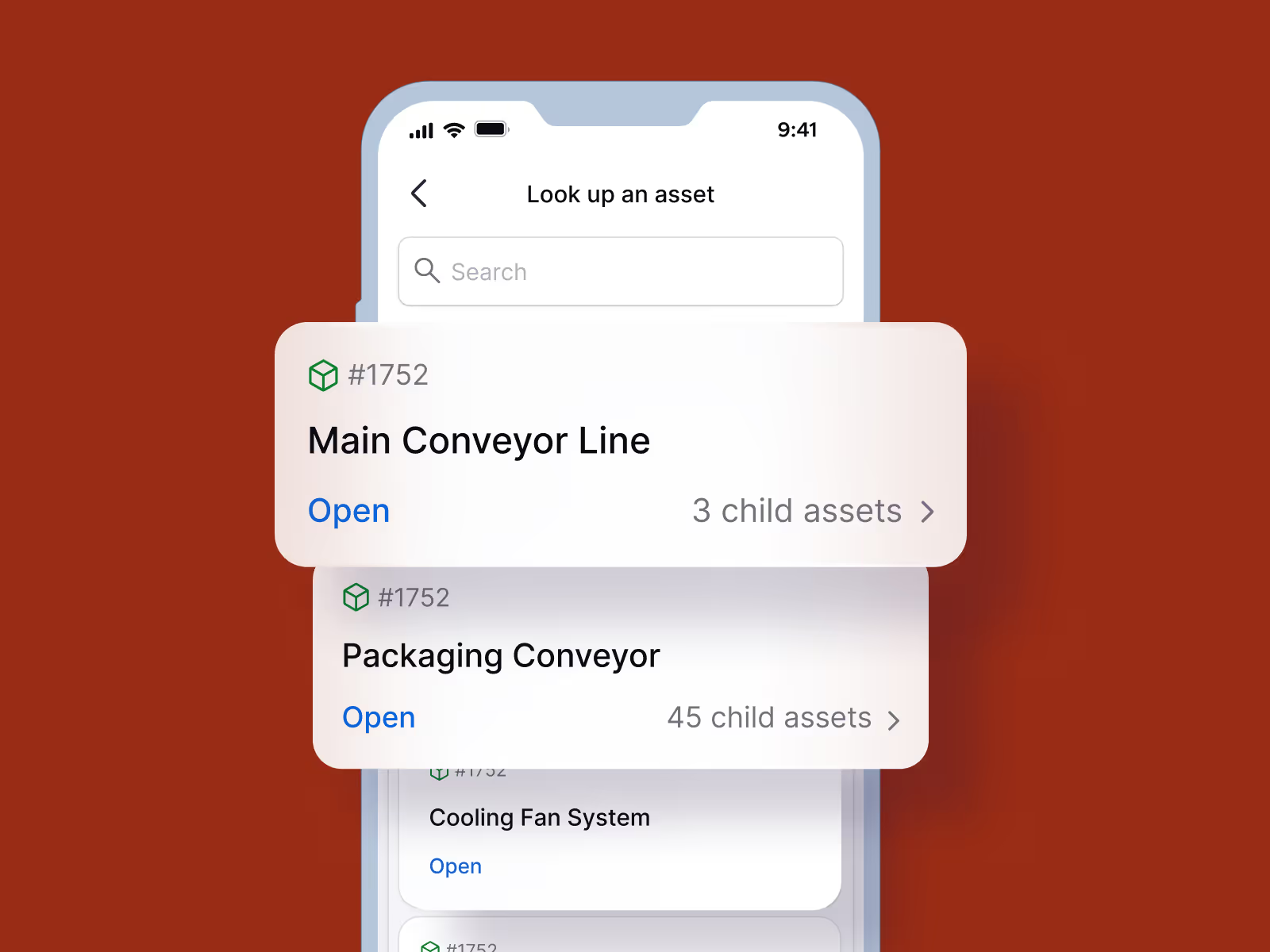
Find assets instantly, right from the field
Quickly find assets, view hierarchies, and access critical details without digging through menus or dashboards.
Search assets by name, ID, or QR code
Navigate asset hierarchies with ease and view key details instantly
Jump directly from assets into work orders and tasks
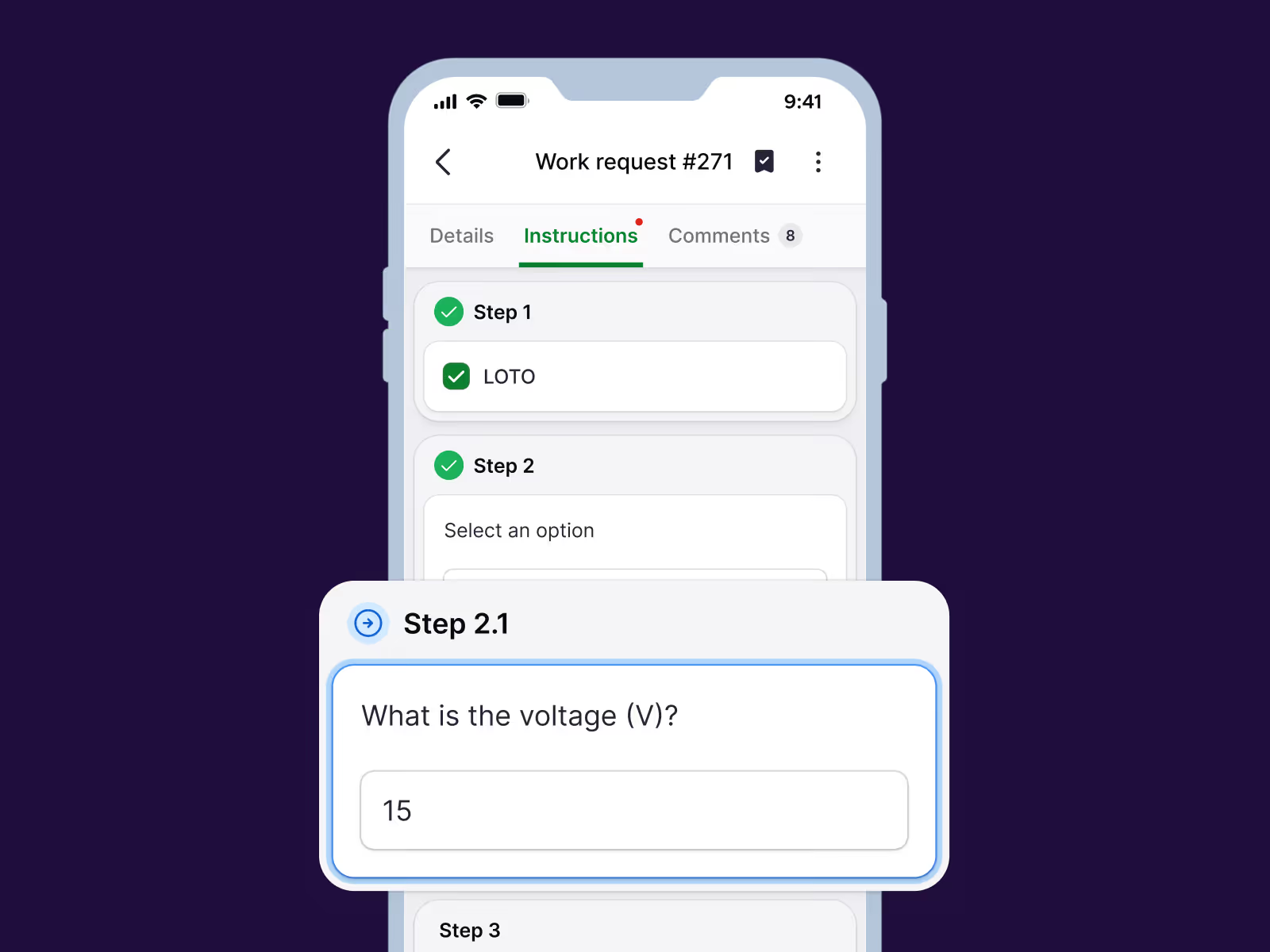
Complete work orders right from your phone
Follow instructions, capture data, and update progress without leaving the job.
View step-by-step instructions and checklists
Capture readings, notes, and photos while you work
Track time and update work orders in real time
Proven results, measurable impact




Ready to learn more about Limble?
FAQs
Yes. Limble's mobile app includes offline mode, so technicians can keep working in areas with no signal, common on production floors, in coolers, or in remote facilities. Once the device reconnects, everything syncs automatically, so no data is lost and nothing needs to be manually re-entered.
We built Limble to require little to no training. The team at the City of Albuquerque was already confidently using our new mobile app after just one day of training. Across our customers, teams consistently see faster ramp-up and less time spent getting comfortable with the tool compared to legacy CMMS platforms.
Yes, our mobile app is available on both the Apple App Store and Google Play. You can find current ratings and reviews directly on either store listing.
Yes. Anyone in your organization can scan a QR code, scan a barcode, or visit a URL to submit a work request. No Limble account or login required. It's the same no-login work request portal available on the web, just accessible directly from a phone in the field.
Yes. Technicians can capture photos, notes, and readings directly in the app while completing a task, so everything gets documented in the moment instead of after the fact.
Our platform supports users working in their own preferred language, with support for over a dozen languages including Spanish, French, German, Portuguese, Arabic, and Chinese, so team members across different regions can each work in the language that's best for them within the same account.