
Limble vs UpKeep: A 2026 CMMS Comparison
Limble and UpKeep are both mobile-first CMMS platforms, but they fit different stages of a maintenance operation.


UpKeep is built to get a small, single-site team off spreadsheets fast, with a low-cost entry tier and simple setup. Limble is built for teams that need that same ease of use but also want deeper configurability, multi-site standardization, and a support and compliance layer that holds up as the operation scales.
If you're a single site just getting started, UpKeep's Essential plan is a reasonable low-commitment entry point. If you need a platform your maintenance program won't outgrow, Limble is built for that from day one.
How Limble and UpKeep compare at a glance
Compare Features


Third-party validation
Limble holds a 4.8★ rating on G2 (688 reviews, as of October 2026) and 4.8★ on Capterra (757 reviews, as of October 2026). Limble was also named a Leader in the Verdantix Green Quadrant for Industrial CMMS (2025) and won a 2026 G2 Best Software Award.
Flexible pricing options
Limble's pricing is quote-based because it scales with your team size, number of sites, and which modules you need. Unlike some competitors, Limble doesn't gate core capabilities like offline mobile mode or multi-site management behind a higher, separately quoted tier, so what you see in a demo is what's included, not a preview of a more expensive plan.
UpKeep publishes two rates on its pricing page: Essential at $24/user/month and Premium at $55/user/month, with Professional and Enterprise available only by quote.
Several third-party reviews note that the features most growing teams actually need, like offline mobile mode, multi-site management, and deeper analytics, sit behind those unpublished, higher tiers rather than the published ones. UpKeep also sells implementation as a separate add-on package.
Get a tailored quote from the pricing calculator in a few minutes.
Compare Features
*The features listed highlight select differences and are not comprehensive. For full details, please refer to the respective product websites. Comparisons are based on information available to Limble as of March 2026.
Built for teams that never stop
The Limble mobile app is built for technicians working the floor, not the office.
- Offline mode: A spotty signal doesn't stop work from getting logged — everything queues and syncs once the connection is back.
- QR/barcode scanning: Scan an asset's code to instantly pull up its history, open work orders, and manuals.
- Work-request portal: A self-serve portal lets anyone in the building submit a maintenance request without needing an account.
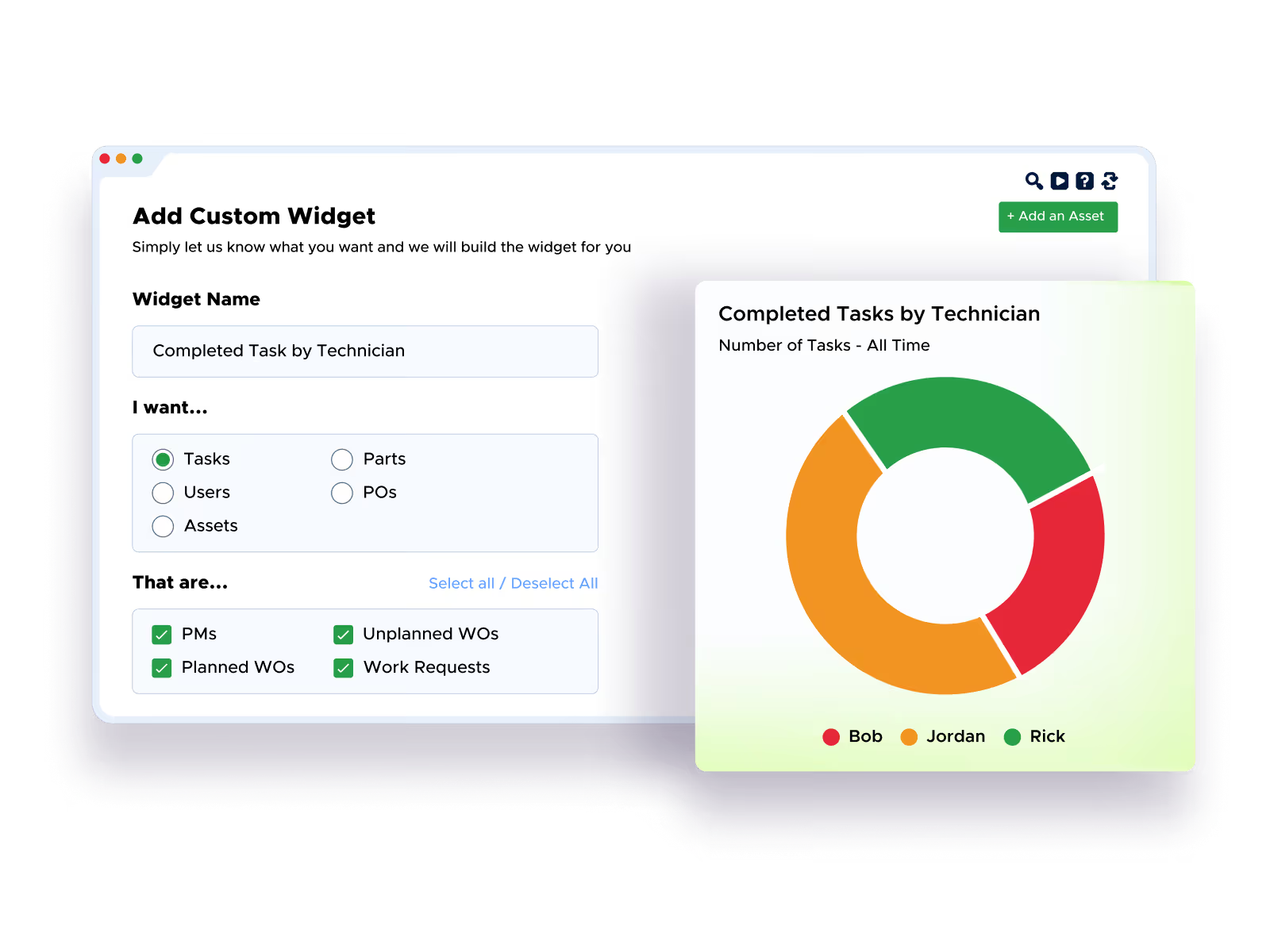
At Powder Mountain, the mobile app cut response times by more than 50%, with 19 technicians actively tracking over 10,000 parts through the app.
Implementation, compliance and scale
Limble customers see a 96% implementation success rate, with most teams up and running in about 3 weeks, a fraction of the 6 to 12 months traditional CMMS implementations often take. Smaller, single-site teams can self-onboard directly; larger, multi-site organizations get a dedicated Customer Success Manager and a custom, phased rollout plan.
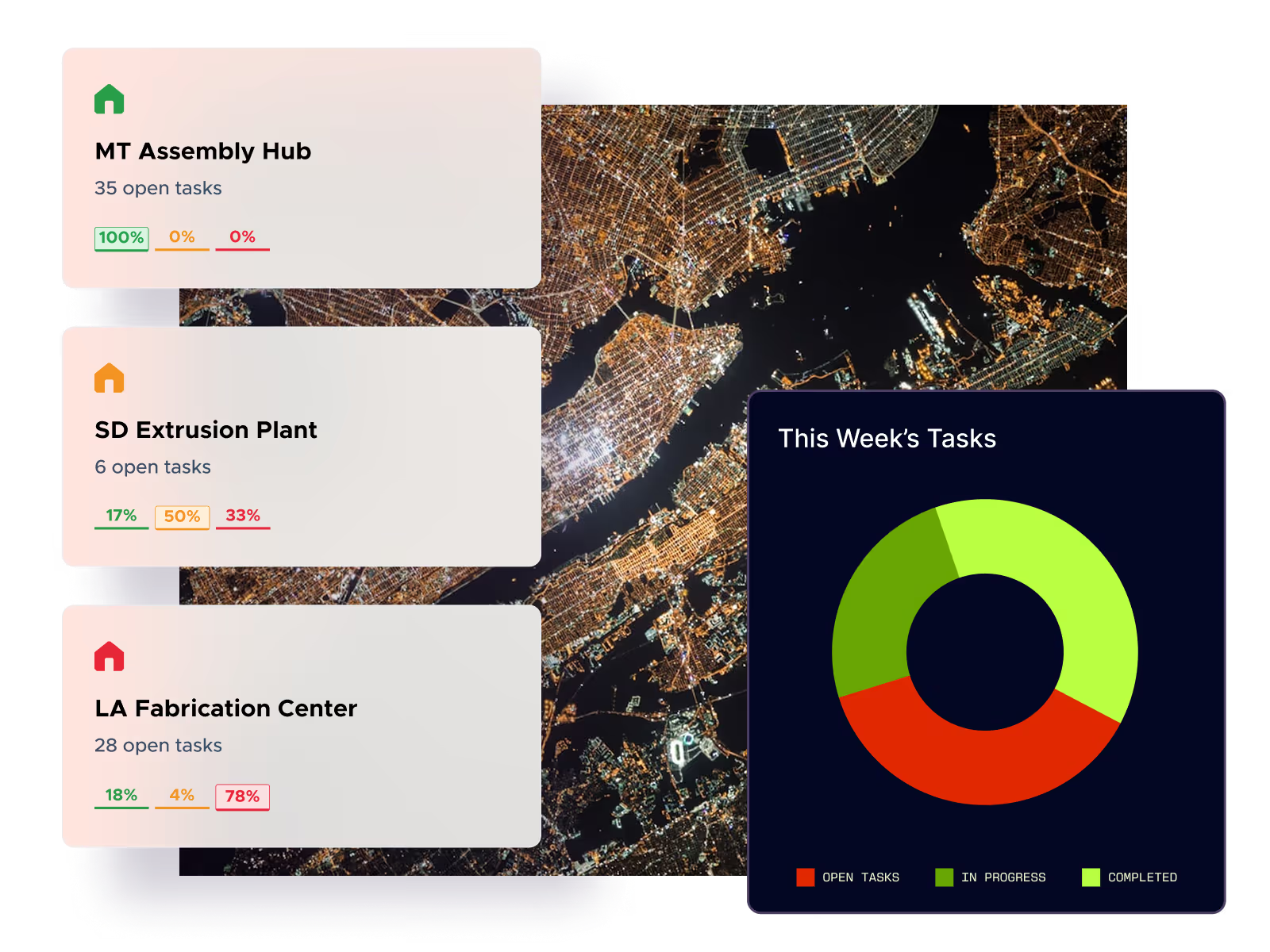
On compliance, Limble supports 21 CFR Part 11 and is SOC 2 Type II certified. For teams running more than one location, Limble standardizes workflows, asset hierarchies, and reporting across every site, so a plant manager at one facility and a regional director overseeing ten see the same structure.
Support: what you get when something breaks
Limble support responds in a median of 15 seconds and is available 24/7. Support isn't gated by plan tier, and every Limble customer, regardless of size, gets access to a team of Limble Customer Success Managers. That's a real point of contrast with UpKeep, where a Dedicated Success Manager and full Implementation & Training are add-ons instead of included by default.
Ready to learn more about Limble?
See how Limble fits your team: Book a demo or use our pricing calculator to get a cost estimate in a few minutes, no sales call required.