
Limble vs MaintainX: A 2026 CMMS Comparison
Limble and MaintainX are both mobile-first CMMS platforms built for maintenance teams that want to get off spreadsheets and paper work orders.






Limble tends to fit teams that need deeper customization, multi-site standardization, or regulated environments. This includes manufacturing, healthcare, and industrial facilities with complex workflows. MaintainX fits smaller, simpler operations that want a lighter-weight tool to get running fast.
Teams with a single site, a small technician count, and no compliance or reporting requirements can get running quickly with MaintainX. Teams that need configurable reporting, compliance documentation, multi-site standardization, or room to scale typically choose Limble.
How Limble and MaintainX compare at a glance
Compare Features

Limble holds a 4.8★ rating on G2 (688 reviews, as of August 2026) and 4.8★ on Capterra (757 reviews, as of August 2026). Limble was also named a Leader in the Verdantix Green Quadrant for Industrial CMMS (2025) and won a 2026 G2 Best Software Award.
Flexible pricing options, for small and large maintenance teams
Compare Features
*The features listed highlight select differences and are not comprehensive. For full details, please refer to the respective product websites. Comparisons are based on information available to Limble as of August 2026.
Built for teams that never stop
Limble’s versatile CMMS and EAM software is user-friendly, feature-rich, and backed by enterprise-grade support. Enjoy total clarity and control with the maintenance system that grows with you.
The Limble mobile app is built for technicians working the floor, not the office. It supports continuous shift handoffs so nothing gets lost between crews, and quick inventory lookup from a work order.
- Offline mode: A spotty signal in a basement or remote site doesn't stop work from getting logged. Everything queues and syncs once the connection is back.
- QR/barcode scanning: Scan an asset's code to instantly pull up its history, open work orders, and manuals, without searching for it manually.
- Work-request portal: A self-serve portal lets anyone in the building — not just licensed technicians — submit a maintenance request without needing an account.
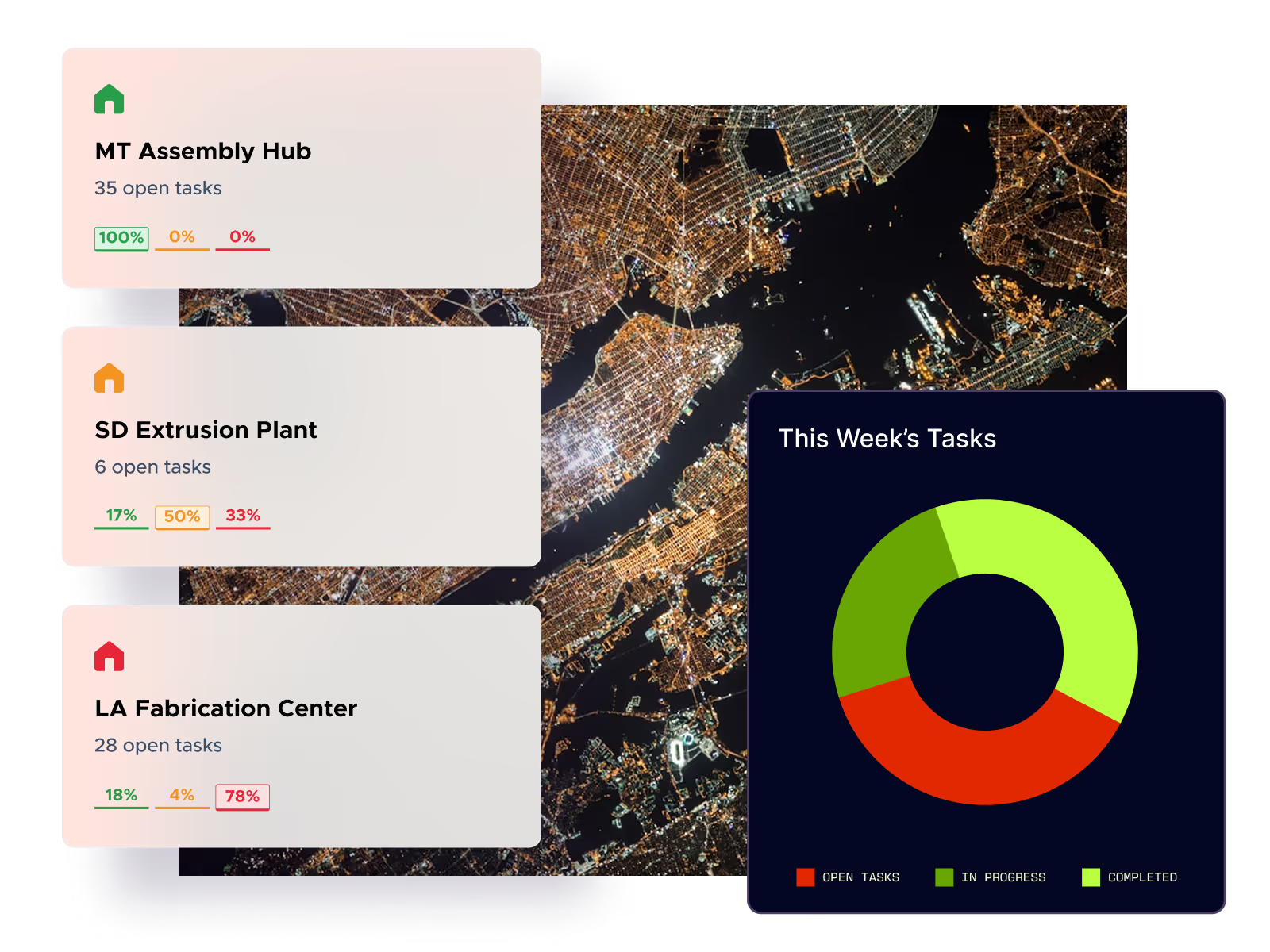
At Powder Mountain, the mobile app cut response times by more than 50%, with 19 technicians actively tracking over 10,000 parts through the app.
Reporting, compliance and scale
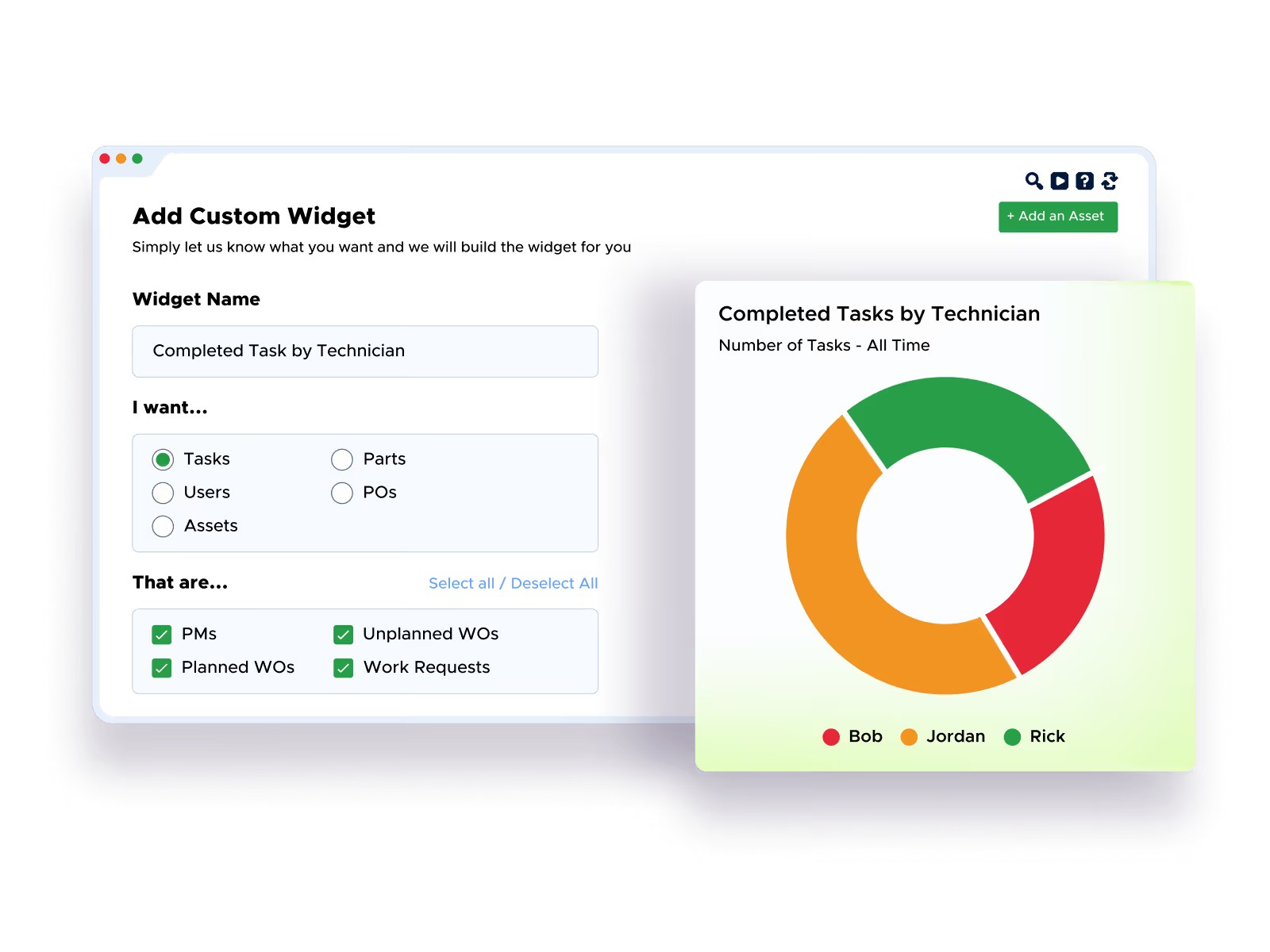
Limble's reporting is fully configurable with the tools to build the exact reports your team needs, track custom units of measure, and set up conditional-logic procedures that adapt based on what a technician finds on the job. That's the deep workflow automation that sets Limble apart from simpler tools.
For regulated environments, Limble supports 21 CFR Part 11 compliance and is SOC 2 Type II certified. For teams running more than one location, Limble standardizes workflows, asset hierarchies, and reporting across sites.
Support: what you get when something breaks
Limble support offers a 15-second median support response time and is available 24/7. Support isn't gated by plan tier, and every customer gets the same access, whether you're on the smallest plan or the largest. MaintainX advertises 24/7 support as well, but without a published response-time benchmark to compare against.
Ready to learn more about Limble?
See how Limble fits your team: Book a demo or use our pricing calculator to get a cost estimate in a few minutes, no sales call required.