
Optimize maintenance with smart insights
Use Limble’s customizable, user-friendly dashboards and reporting to track maintenance activity, share updates on work orders and assets, and get insights on your team’s performance.
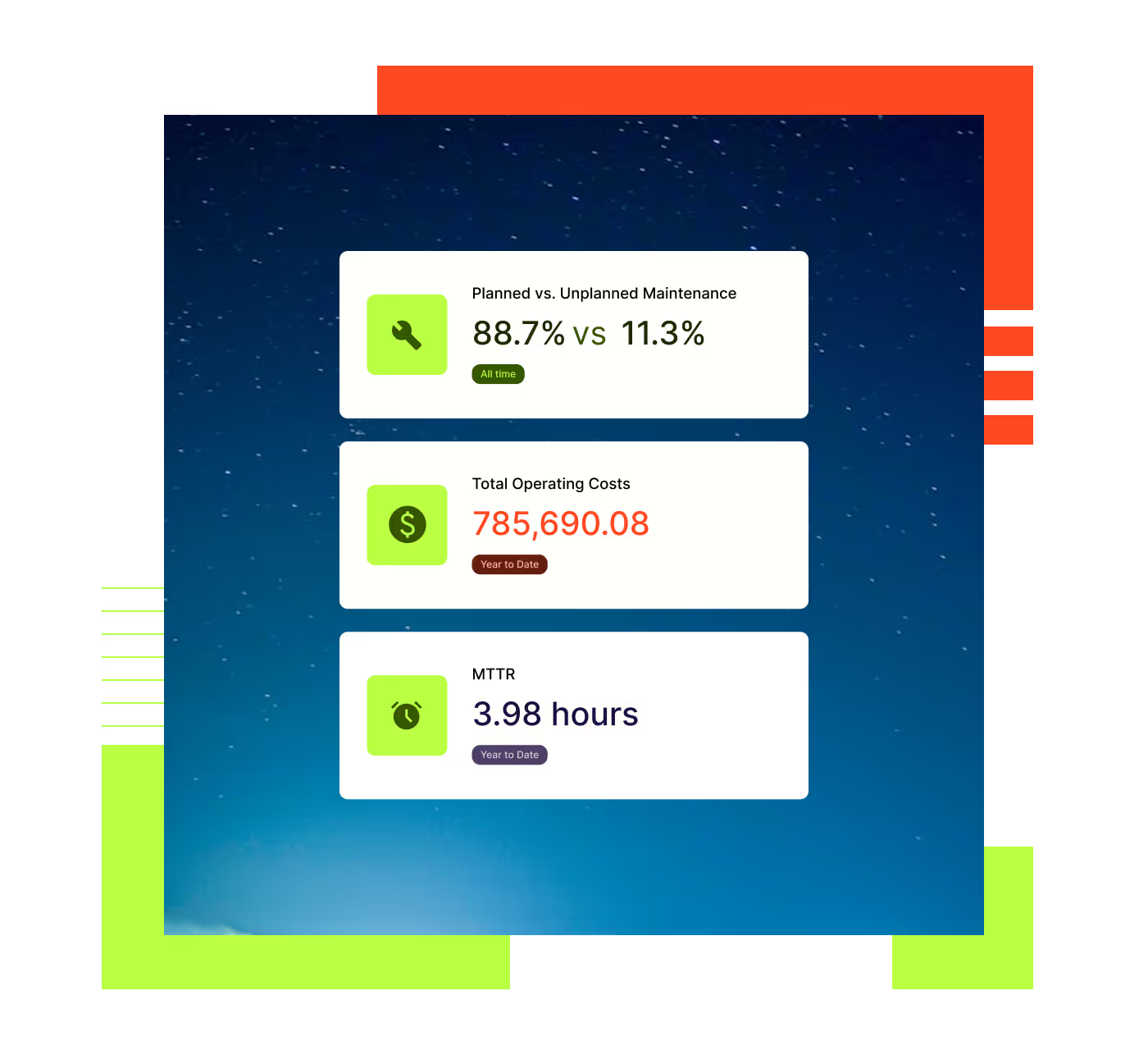

Find out what drives efficiency
Increase your operational efficiency and boost productivity with real-time reporting on your KPIs.

Learn from enterprise-ready dashboards
Customize dashboards to get tailored insights that meet the needs of your business

Make compliance reporting easy
Configure the platform to meet specific compliance standards and track a detailed work history on each asset.
Automate maintenance reporting
With Limble, you can automate all kinds of reports to keep your team and stakeholders up to date. Share data on assets, work orders, historical and planned activity, and performance analytics that track your team’s activity and accomplishments.
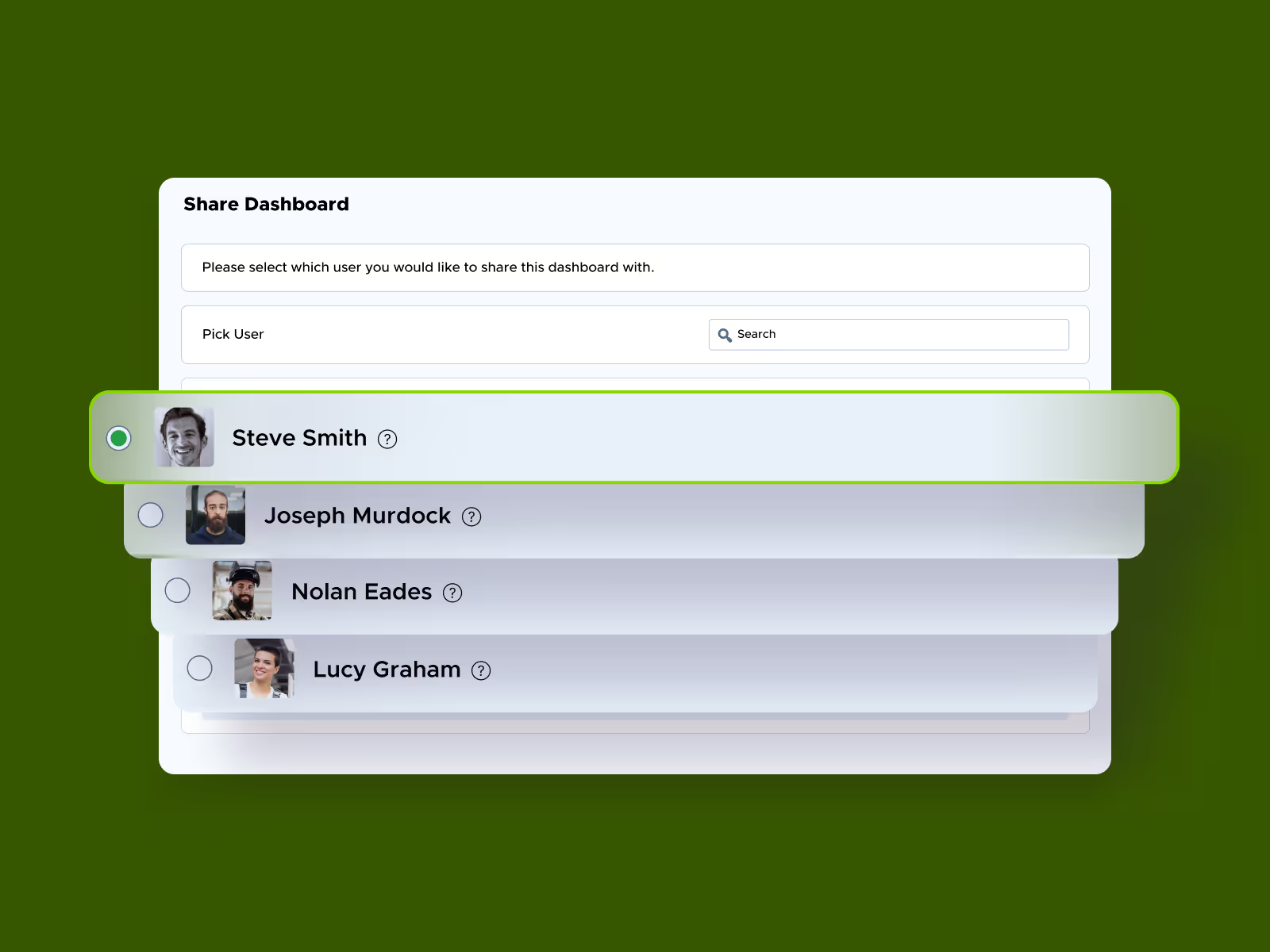
Send real-time or recurring status updates on any of your operations
Report time, parts, and money spent by asset to understand where resources are being drained most
Share reports instantly via Excel, PDF or within Limble
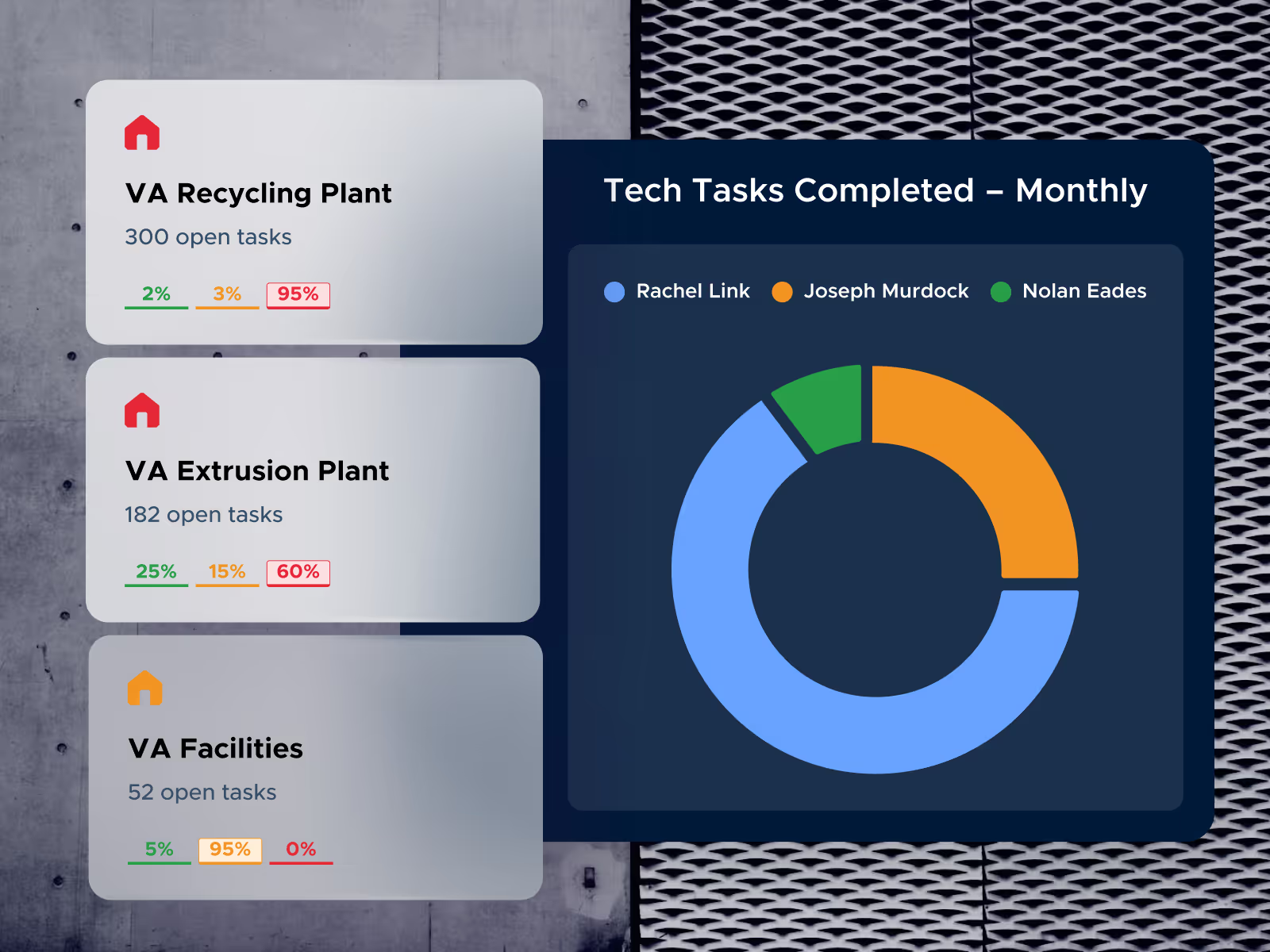
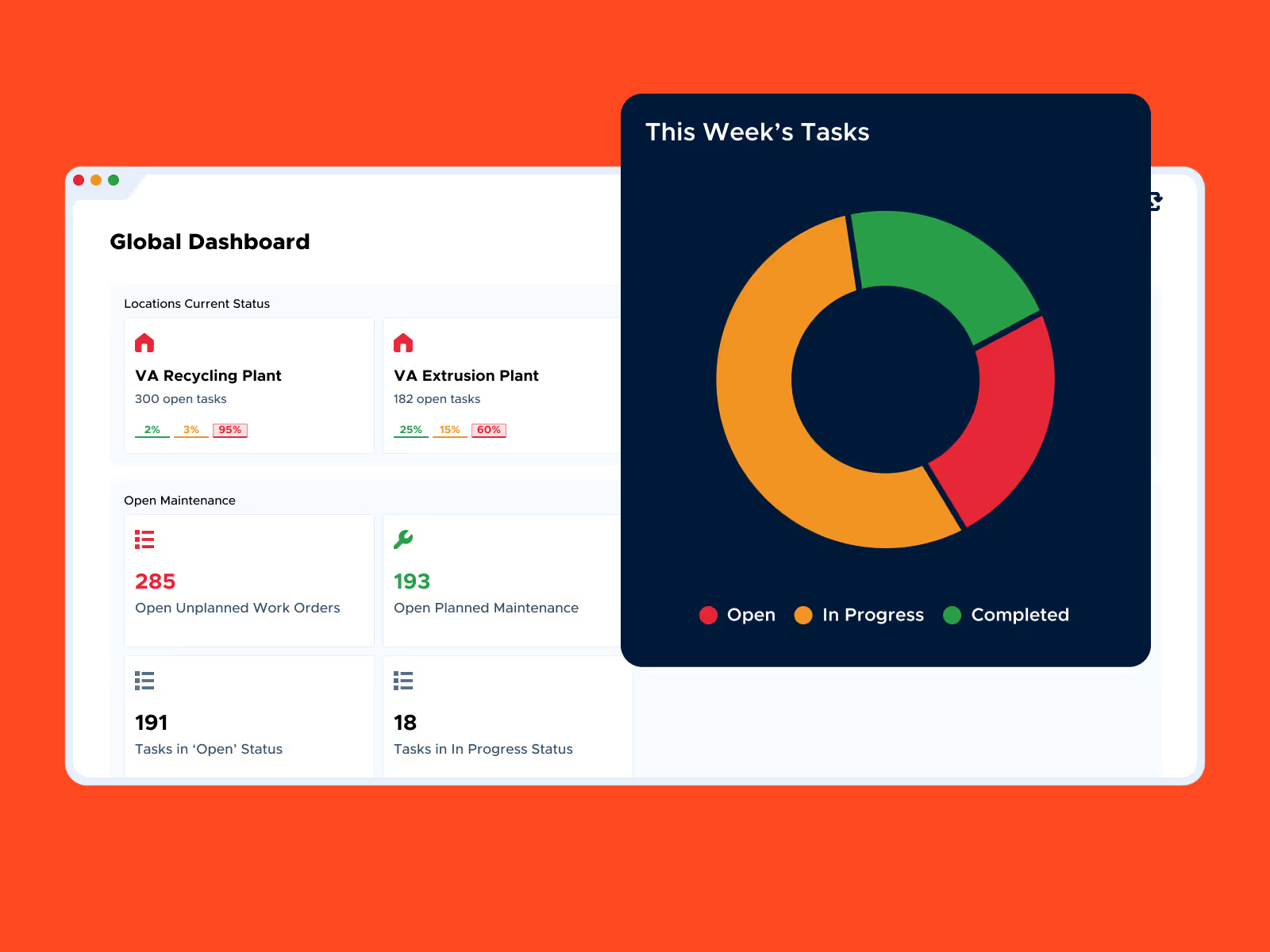
Tailor your maintenance dashboards
Move beyond restrictive, pre-built CMMS reports. Limble lets you customize dashboards and reports based on the data that helps you do your best work.
Build dynamic reports and calculate custom metrics
Resize and reorder widgets for ultimate flexibility
Highlight maintenance KPIs most critical to your organization
Evaluate team performance data
Access information for critical decisions instantly, with custom dashboards that summarize maintenance activities specific to teams and managers.
Analyze and forecast usage of maintenance resources
View real-time maintenance operations metrics like MTTR and MTBF
Customize dashboard views for different users and teams
Proven results, measurable impact




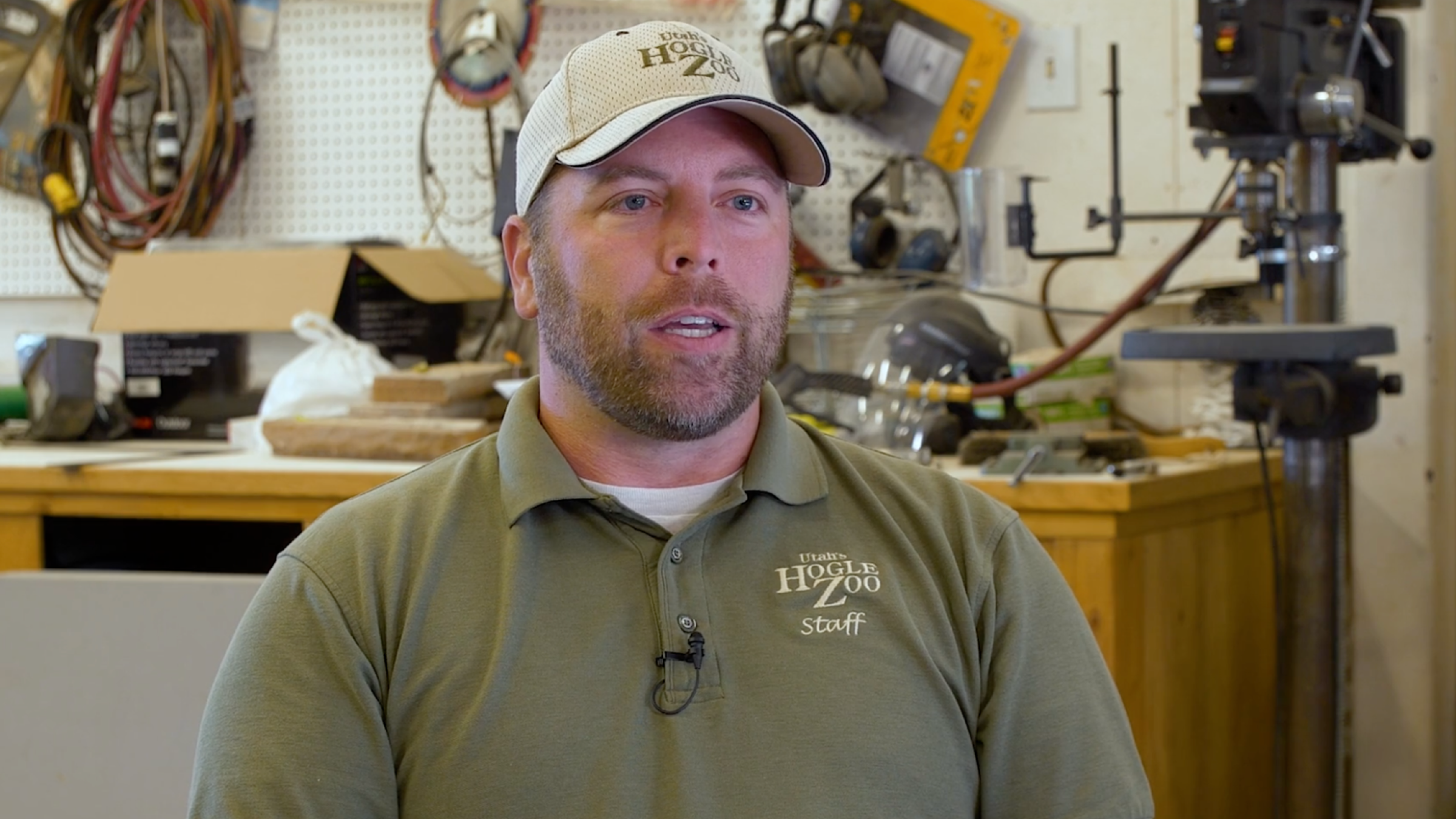

Ready to learn more about Limble?
Schedule a demo or calculate your price right away.
FAQ for CMMS software
Key features to look for in a CMMS solution:
- Work Order Management: Track work orders from start to finish.
- Preventive Maintenance Scheduling: Automates the scheduling of maintenance needs to minimize downtime and ensure equipment reliability.
- Asset Tracking: Centralizes asset information and maintenance history.
- Inventory Management: Tracks inventory and ensures parts availability, minimizing delays and keeping maintenance operations running smoothly.
- Analytics: Delivers actionable insights into maintenance work and costs, supporting data-driven decision-making for improved maintenance program.
- EAM (Enterprise Asset Management) Readiness: The capability of a CMMS platform to scale for enterprise requirements and seamlessly integrate with other systems like ERP and more.
These features enhance efficiency, reduce costs, prevent breakdowns, and extend asset lifespan while improving reliability. Learn more about CMMS features.
Facility managers, operations managers, and asset managers use CMMS software to streamline audits, ensure regulatory compliance, schedule preventive maintenance tasks, and efficiently manage asset lifecycles. It is widely used in industries like manufacturing, education, energy & utilities, and food & beverage to help optimize resources and improve maintenance processes.
Implementing CMMS software often takes 6 to 12 months. With Limble, recognized as the best CMMS software, customers see value in just 3 weeks. Our product experts provide 24/7 hands-on support and ensure seamless migration every step of the way.
Limble’s CMMS can integrate with IoT devices and other software systems to enable real-time asset health monitoring, collecting of critical data on equipment performance. This supports predictive maintenance by identifying potential issues early, reducing downtime, and scheduling repairs before failures occur.