
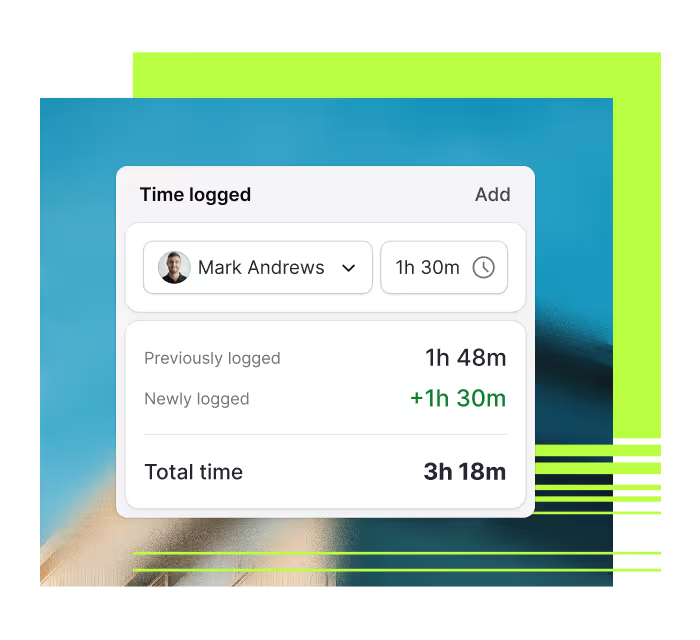

Avoid setbacks with a proactive, preventive maintenance strategy and move fast when emergencies do happen.

Prioritize and complete work orders faster with efficient, collaborative software your team will love using.

Track open and historical work orders for full compliance and complete visibility into tasks at the individual staff level.
A CMMS your technicians will embrace
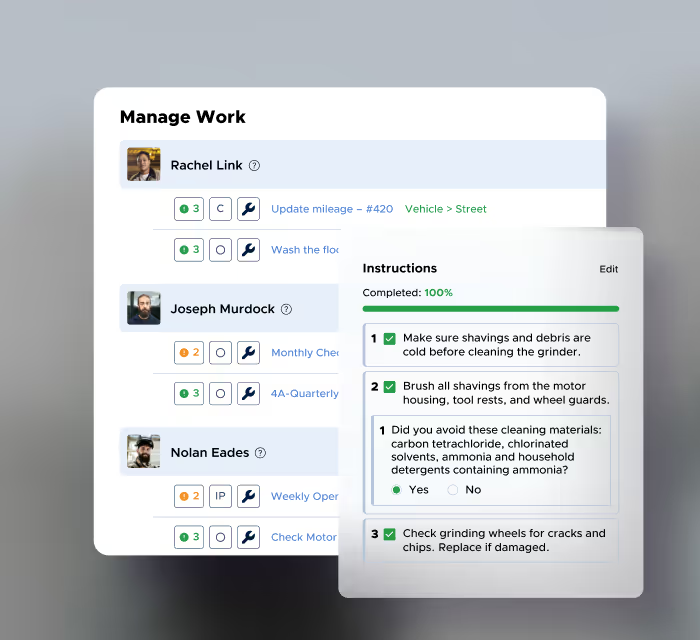
Easily organize work orders, PMs, and other tasks for your entire team.
View and manage all tasks, work orders, requests, and PMs in one place
Give technicians clear instructions with photos, files, and checklists
Track progress and report on maintenance performance
Reduce downtime and maintenance costs
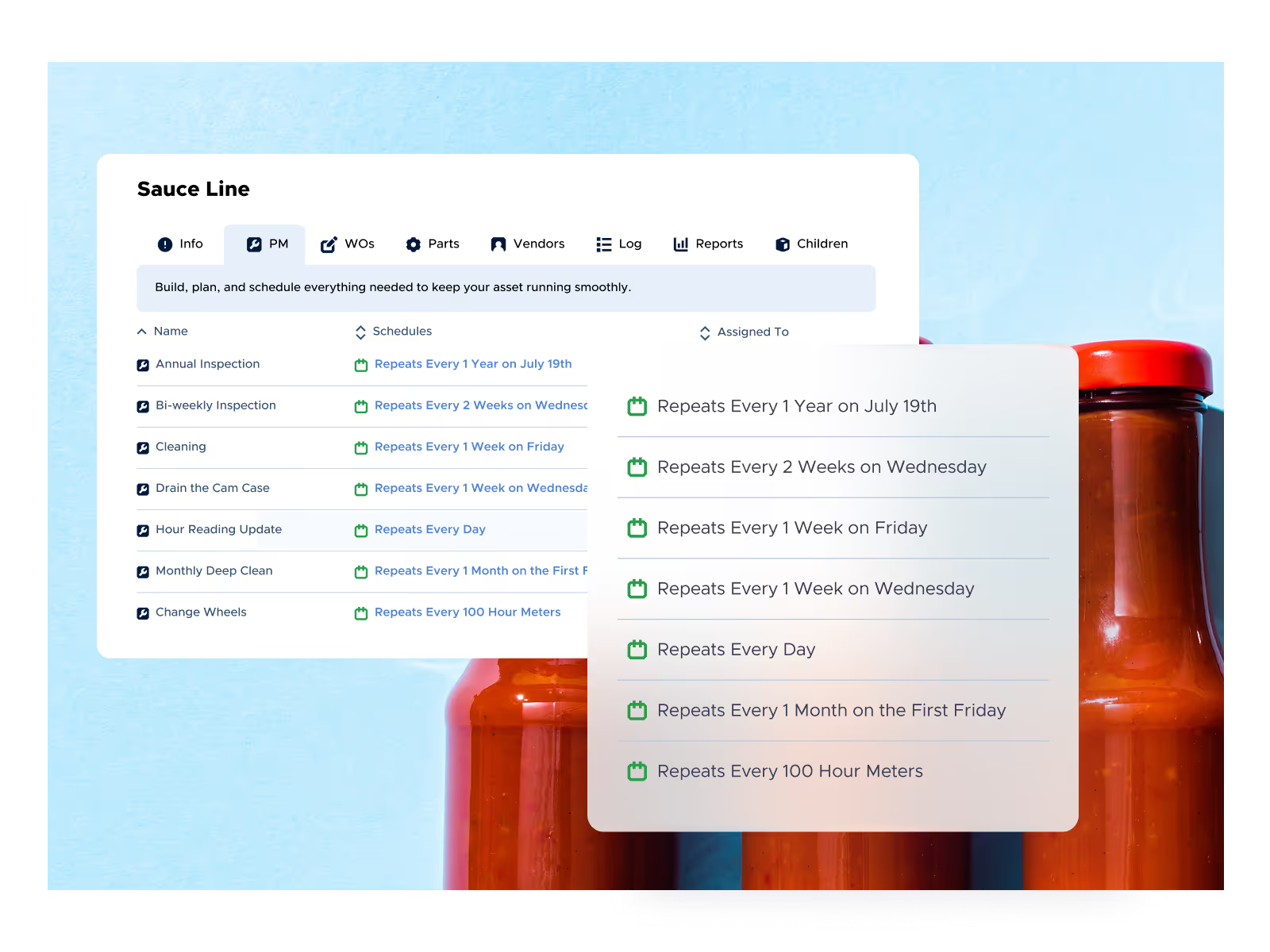
Automatically schedule preventive maintenance and give your team the tools and insights to keep assets running reliably.
Automate PM scheduling based on time, usage, or condition
Build clear PM checklists with photos, instructions, and required steps
Track maintenance performance with dashboards for downtime, costs, and reliability
Built for maintenance professionals
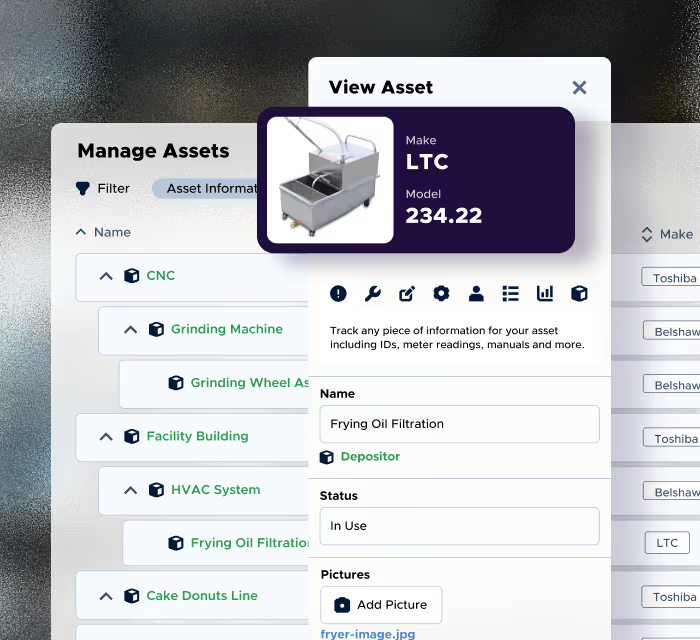
Manage assets with a flexible system built for real-world maintenance operations, whether you oversee 10 assets or 10 million.
Organize assets with custom hierarchies and clear structure
Track asset health, costs, and maintenance history in one place
Scan QR codes to instantly access asset details or start work
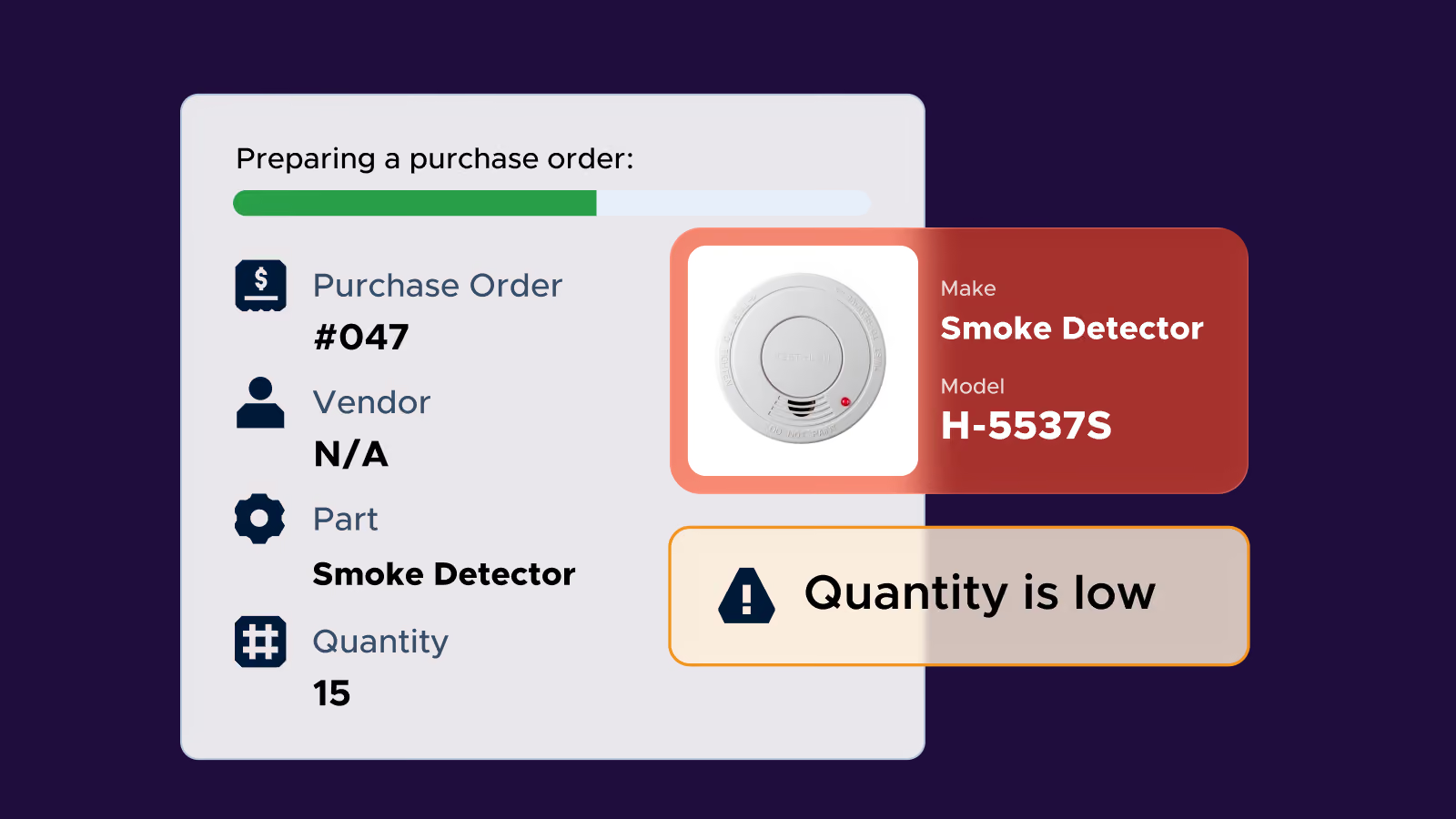
Get control of your inventory
Know what parts you have, where they are, and when you need to restock so your team always has what they need.
Get instant push and email notifications when parts are low
Use barcodes or QR codes to quickly check stock and location
Track part usage and run cycle counts to keep inventory accurate
Proven results, measurable impact

“We found it was a lot easier to get asset information into the Limble system by taking a picture, looking at the serial number, and adding fields that were customized to Allagash. It was a lot more user-friendly from a management perspective where we could add what we wanted as we saw fit.”


Ready to learn more about Limble?
FAQs
Limble connects natively with the systems your maintenance team already relies on. On the ERP and accounting side, that includes SAP S/4HANA, Oracle NetSuite, Microsoft Dynamics 365 Business Central, and QuickBooks Online. For IoT and condition monitoring, Limble integrates with Augury, AssetWatch, VibeCloud, Monnit, and AVEVA, turning sensor data straight into work orders. Add SSO and security integrations like Okta, Azure Active Directory, and Google SSO, plus productivity tools like Slack and Google/Microsoft calendars, and Limble slots into your existing tech stack instead of forcing you to work around it. See the full integration library.
Yes. Limble's EAM platform is built to give you one source of truth across every facility. This includes asset health, team performance, and maintenance costs, all visible in real time from a single dashboard. You can standardize processes and asset hierarchies across sites, then onboard new facilities using the same templates and workflows instead of rebuilding from scratch each time. Enterprise customers get a dedicated onboarding team and a tailored rollout plan to bring every location up to speed together, backed by 24/7 support.
Yes! Limble is built technician-first, and the adoption numbers back it up. Limble is rated 4.8 out of 5 on both G2 and Capterra, based on well over 1,400 combined verified reviews, and holds 40+ G2 awards, including Easiest To Do Business With and Best Usability. Organizations where technicians log maintenance work consistently in Limble report 12x higher trust in their asset data than those where it isn't captured as reliably.
Limble is designed to get technicians working quickly, not to require months of configuration before go-live. You can start with custom asset hierarchies and PM templates that match how your team already operates, add fields and structure as you go, and expand configuration over time. Limble's product experts also provide hands-on support during setup, so your team isn't configuring the platform alone.
Traditional CMMS implementations often take 6 to 12 months. With Limble, customers typically see value in about 3 weeks. Limble provides 24/7 access to support throughout rollout and manages migration of your existing data, and enterprise customers get a dedicated onboarding team with a tailored, phased plan for bringing multiple sites online. Learn more about Limble's implementation and support.
Yes, this is one of the core things Limble is built to do. Limble automates PM scheduling based on time, usage, or asset condition, so recurring maintenance gets triggered automatically instead of relying on someone remembering to schedule it. Clear PM checklists with photos and required steps make sure the work gets done consistently, and dashboards track downtime, costs, and reliability so you can see the shift from reactive to preventive play out in your own data. When emergencies still happen, Limble helps your team move fast on those too. The goal is fewer of them over time, not zero flexibility for the ones that come up.
Limble's implementation team manages migration of your existing maintenance history as part of onboarding, so your asset records, PM schedules, and past work order data move over with you. That means your team keeps the institutional knowledge you've already built accessible in Limble from day one.