Coordinate your crew with confidence
See who’s available, who’s overloaded, and what’s coming next so you can minimize overtime and keep work on track.

See capacity at a glance
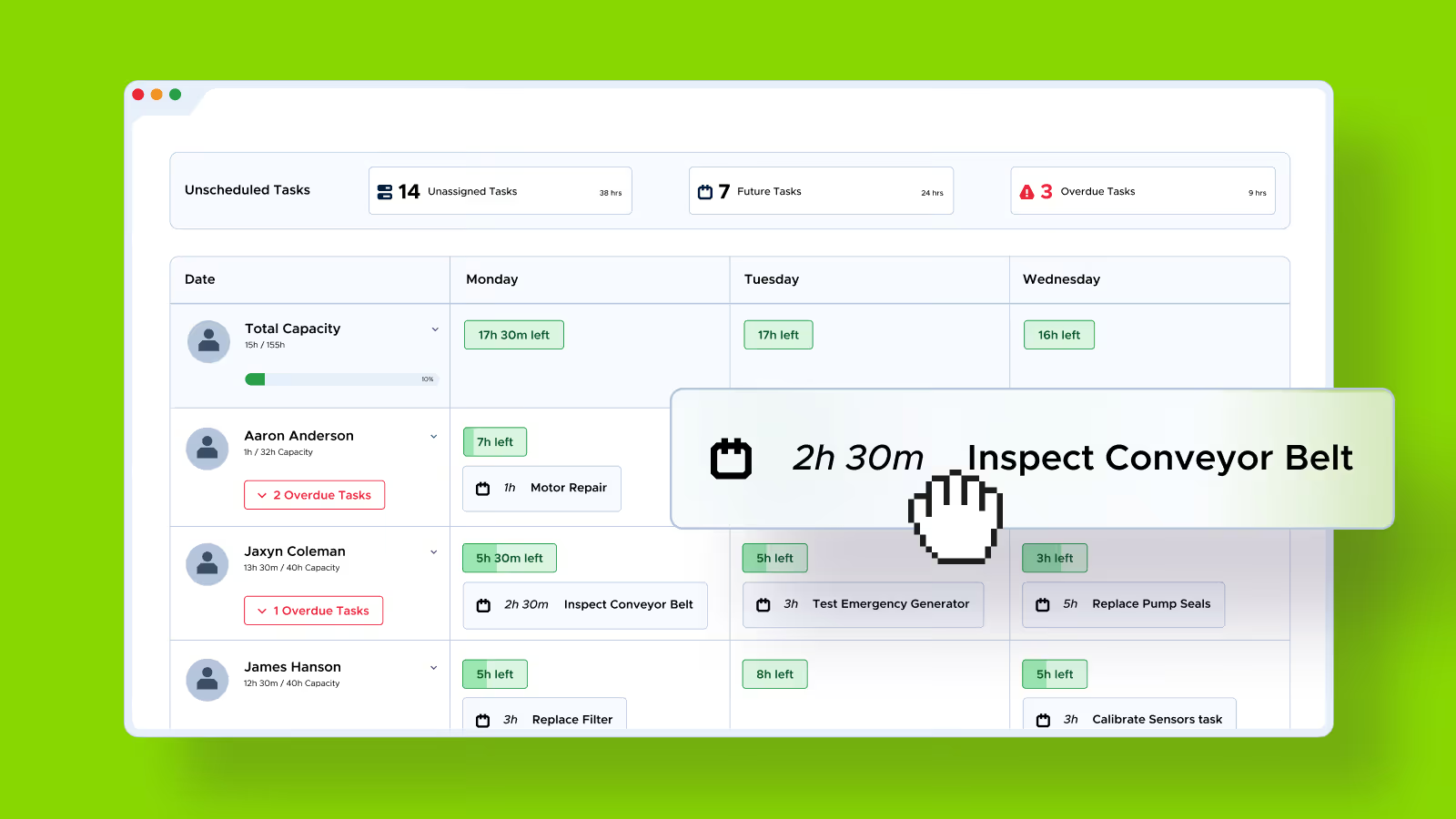
See each technician's workload in real time. Balance schedules fast, prevent overload, and keep every shift running smoothly.

Real-time accountability
Understand where hours go, spot slowdowns early, and keep work moving without chasing updates.

Plan smarter, not harder
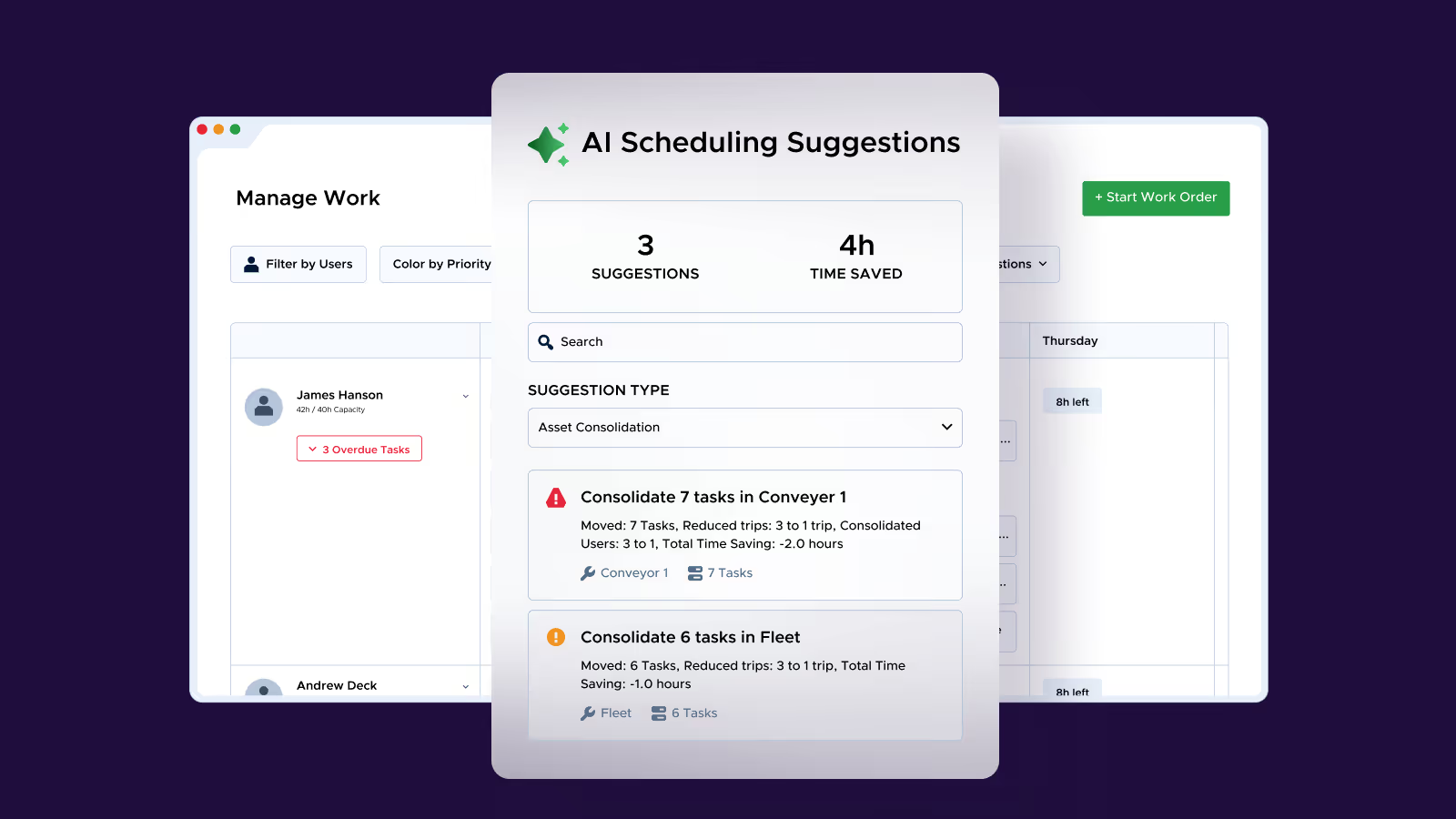
Reduce wasted trips with smart scheduling suggestions that group work by asset and location.
Drag, drop, done.
Assign work, split jobs, and edit times right on the calendar. Fast, clean, and zero spreadsheets.
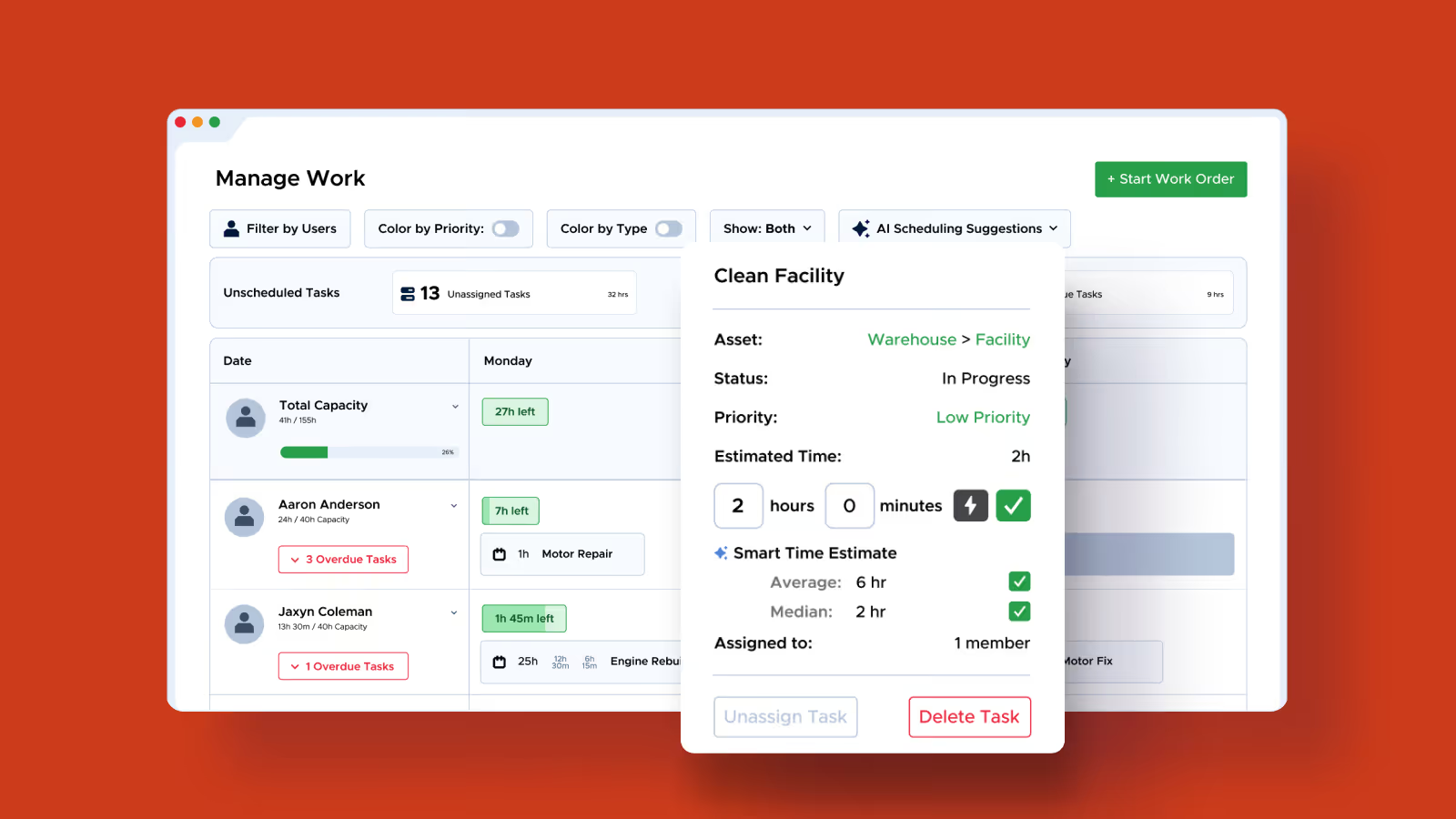
Smart time estimates
Get data-backed time estimates based on real task history so you can plan accurately, reduce guesswork, and keep workloads balanced.
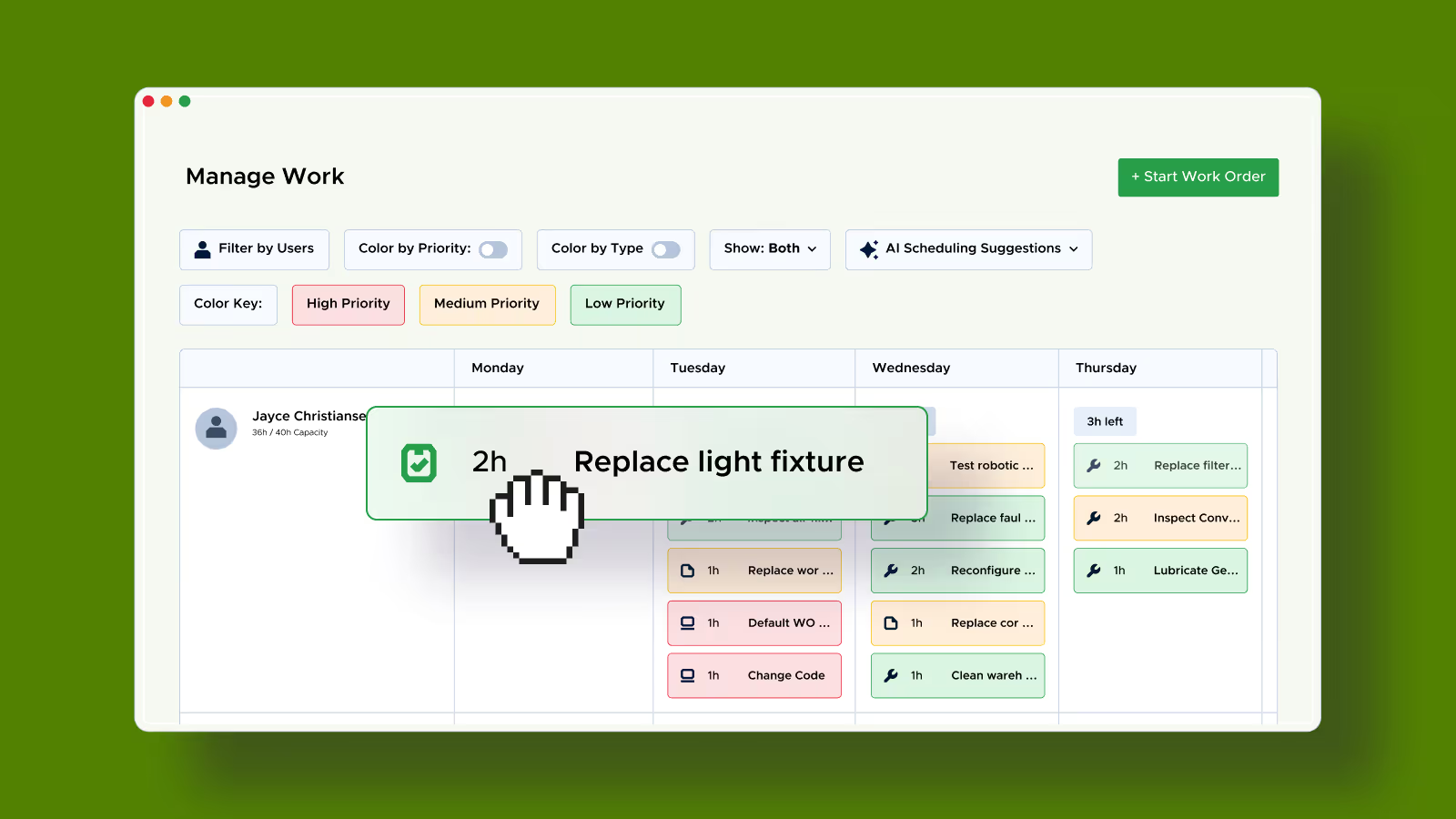
Filter and prioritize the right work
Focus on a single trade or crew, color tasks by type or priority, and schedule the most important work first, keeping operations smooth and responsive.
Track progress and plan smarter with AI
Overlay logged hours against planned hours to see how work is progressing in real time. Consolidate tasks by asset or location with AI, so you cut wasted trips and get more done without adding headcount.
Proven results, measurable impact